
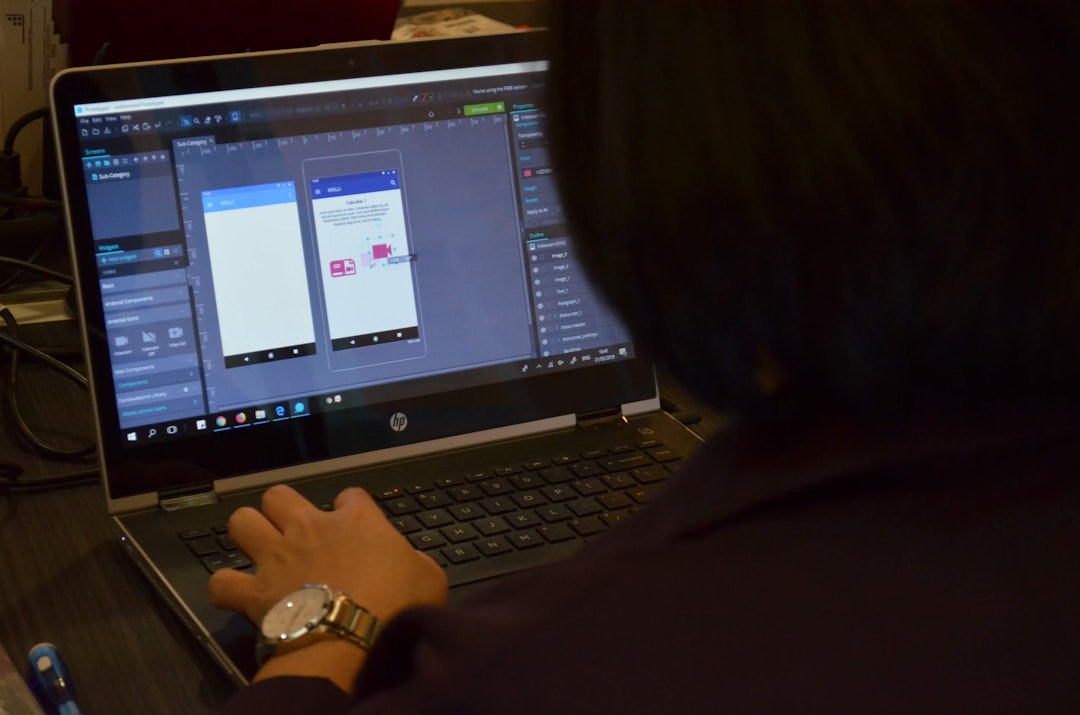
If you need website wireframes fast, start with Relume for site structure, Uizard or Visily for quick screens, and Figma AI when your team already works in Figma. AI wireframe tools are no longer cute experiments. They now help teams turn prompts, screenshots, sketches, and sitemaps into usable first drafts. That matters because AI adoption has reached 78% of organizations, according to McKinsey [source: McKinsey].
TLDR: For most website projects, Relume is best for planning pages, Uizard is best for quick visual wireframes, and Figma AI is best for polishing inside an existing design workflow. For example, a freelancer building a five-page SaaS site could use Relume to create the sitemap in 10 minutes, send it to Figma, then use AI to clean layer names and adjust copy. In a small team, that can cut early wireframing time by 30% to 50%, especially when the alternative is starting from a blank canvas.
1. Uizard
Uizard is one of the friendliest tools for non-designers. You can type a prompt, upload a screenshot, or even turn a rough sketch into a digital wireframe. That makes it useful for founders, marketers, and product managers who need to show an idea before hiring a designer.
Its strength is speed. You can create a landing page concept, app screen, or onboarding flow with very little setup. The catch is that the output can feel a bit generic unless you spend time editing spacing, hierarchy, and copy.
Best for: startup ideas, quick mockups, pitch decks, and early product screens.

2. Visily
Visily is built for teams that want wireframes without wrestling with pro design software. It can generate screens from prompts, screenshots, and templates. It also offers smart themes, which help keep buttons, colors, and components consistent.
Visily feels practical. It is not trying to be a full design empire. It focuses on getting ideas into shape. Product managers can map a dashboard, founders can mock up a marketplace, and agencies can create first drafts for client calls.
Honestly, it feels like the tool was made for people who are tired of waiting three days for a “quick mockup.” The downside is that fine visual control is still better in Figma.
Best for: dashboards, admin panels, SaaS concepts, and team brainstorming.
3. Relume
Relume is especially useful for website planning. Instead of starting with individual screens, it helps you generate a sitemap first. Then it turns that structure into wireframes with sections like hero blocks, testimonials, pricing tables, FAQs, and contact forms.
This makes Relume a strong choice for agencies and Webflow designers. It helps answer the hardest early question: what pages do we actually need? Once that is clear, the wireframes feel less random.
Relume also exports well into Figma, which is a big plus. You can use it for structure, then refine the design elsewhere.
Best for: marketing sites, agency projects, Webflow builds, and sitemap-first design.
4. UX Pilot
UX Pilot focuses on product thinking as much as screen creation. It can help generate user flows, wireframes, journey maps, and UX ideas from prompts. That makes it useful when your problem is still fuzzy.
For example, you might ask for a booking flow for a fitness class app. UX Pilot can suggest the steps, screens, and page layout. That saves time before design even starts.
Expect to waste time on edits if your prompt is vague. Better prompts give better screens. Say who the user is, what they want, and what action matters most.
Best for: UX flows, product discovery, feature planning, and early app concepts.

5. Figma AI
Figma AI is powerful because it sits inside the tool many designers already use. It can help generate interface ideas, rewrite text, rename layers, remove backgrounds, and speed up repetitive design work.
The biggest benefit is not just generation. It is cleanup. Anyone who has opened a messy file with “Frame 234 copy copy” knows the pain. Figma AI can reduce that boring maintenance work and make files easier to hand off.
It is not a magic designer. You still need taste, structure, and user research. But for teams already in Figma, it removes friction.
Best for: design teams, production cleanup, interface ideas, and editing existing files.
6. Google Stitch
Google Stitch is aimed at turning prompts and images into UI designs and front-end friendly concepts. It is interesting because Google is tying AI design closer to code, prototyping, and product building.
That matters for teams that want wireframes to move closer to development. A simple text prompt can become a visual layout, and the next step may be easier to share with engineers.
Still, this is a newer option compared with tools like Uizard, Visily, and Figma. Treat it as promising, not perfect. Test it on a small page before betting a whole project on it.
Best for: prompt-based UI ideas, code-adjacent prototypes, and experimental workflows.
7. Magic Patterns
Magic Patterns is built for generating polished UI patterns from prompts. It is especially handy for landing pages, web app screens, and component ideas. You can describe what you need, such as “a pricing page for a B2B analytics product,” and get a structured design direction.
Its outputs often feel more styled than classic low-fidelity wireframes. That can be good or bad. It helps stakeholders react faster, but it may also pull attention toward colors and visuals too early.
Best for: landing page sections, SaaS components, visual concepts, and fast design options.

Which Tool Should You Pick?
- Pick Uizard if you want the fastest path from rough idea to screen.
- Pick Visily if your team needs easy wireframes for apps or dashboards.
- Pick Relume if you are planning a full website and need a sitemap first.
- Pick UX Pilot if user flows and product logic matter most.
- Pick Figma AI if your design work already lives in Figma.
- Pick Google Stitch if you want to test prompt-to-interface ideas from Google.
- Pick Magic Patterns if you need polished UI concepts fast.
The smart move is to combine tools. Use Relume for page structure, Uizard or Visily for early screens, and Figma AI for cleanup. AI will not replace clear thinking. But it will save you from staring at a blank page, which is often the slowest part of design.