
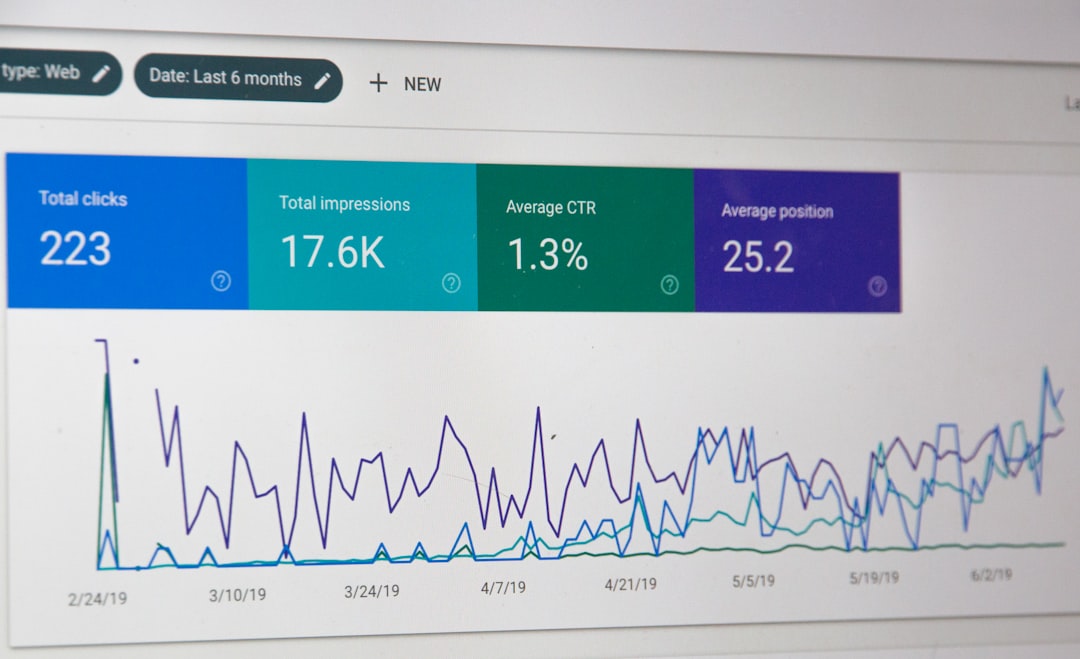
Use a Bing rank tracker if you want simple reports. Use a SERP API if you need raw search results at scale. Use lighter SEO monitoring tools if you only need alerts, traffic checks, or weekly trend reports.
TLDR: Bing rank trackers are best for marketers who want quick keyword position reports without code. SERP APIs are better for teams that need clean data for dashboards, audits, or large keyword sets. For example, a small store tracking 150 Bing keywords may save 6 hours per month with a rank tracker, while an agency tracking 25,000 results may cut costs by 30% with an API. If you only need to know when rankings drop, a simple alert tool may be enough.
What is Bing SERP tracking?
Bing SERP tracking means checking where your pages rank on Bing.
SERP means search engine results page. It is the page Bing shows after someone searches for a keyword.
If you sell office chairs, you may want to rank for:
- ergonomic office chair
- best desk chair for back pain
- office chair near me
- mesh office chair
Bing tracking tells you if you are position 3, position 9, or buried on page 4. It can also show changes over time.
That matters. Bing still sends real buyers. It is also used by Microsoft Edge, Windows search, Yahoo in many cases, and some voice tools. Ignore it, and you may miss quiet traffic that converts well.
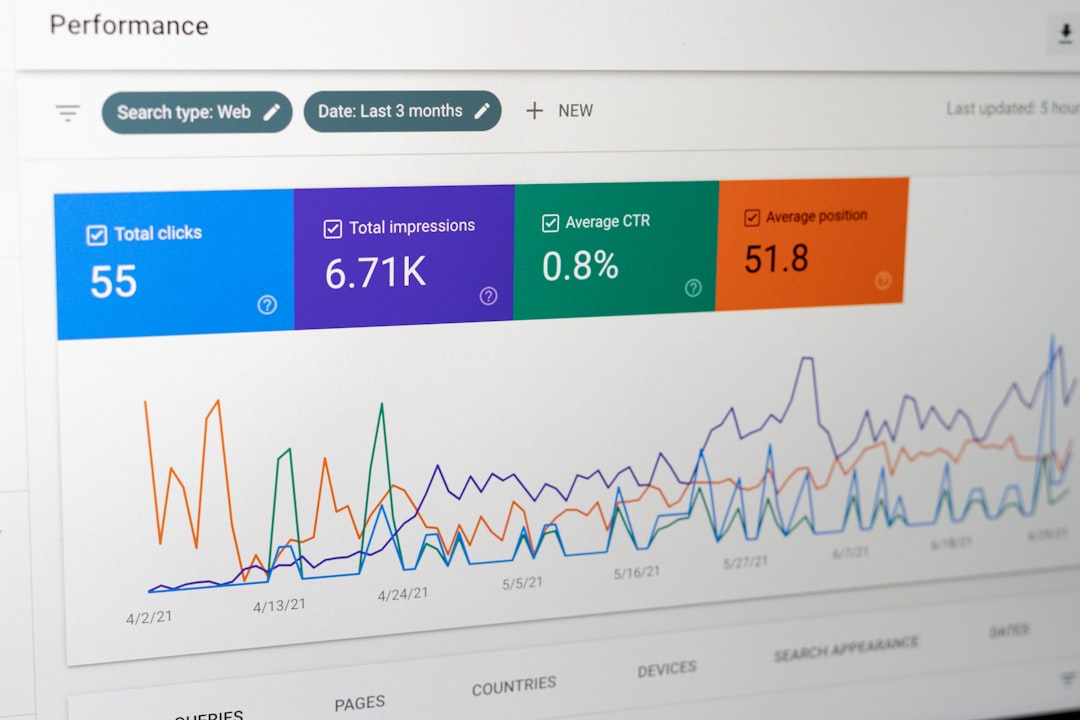
Bing rank trackers: the easy button
A Bing rank tracker is a ready-made tool. You add keywords. You add your domain. You pick a location. The tool checks rankings for you.
Most rank trackers show charts, reports, tags, and competitor data. Some also track Google, Yahoo, YouTube, and maps.
Best for:
- SEO freelancers
- Small businesses
- Content teams
- Agencies that need client reports
- People who hate staring at raw JSON
What you get:
- Daily or weekly rank checks
- Keyword groups
- Charts and trend lines
- Competitor ranking views
- PDF or shareable reports
- Local rank tracking by city or country
Honestly, it feels like some rank trackers were built by people who never had to send a report before 9 a.m. You wait 20 seconds for a chart. Then the export button hides under three menus. Annoying.
Still, these tools are simple. That is their charm.
Where Bing rank trackers fall short
Rank trackers are not magic. They make choices for you.
They may not show the full SERP. They may round data. They may skip features like image blocks, shopping results, local packs, or AI answers. Some tools also update Bing data less often than Google data.
That can be a problem.
Say your page “drops” from position 2 to position 6. Panic time, right? Maybe not. Bing may have added a video block, a shopping carousel, and a local result above you. Your classic blue link moved down, but your brand may still be visible in another feature.
A basic rank tracker can miss that detail.
SERP APIs: the power tool
A SERP API gives you search result data through code.
You send a request like: “Show me Bing results for best running shoes in Chicago on desktop.” The API sends back structured data.
That data may include:
- Organic results
- Paid ads
- URLs and titles
- Snippets
- Local results
- Shopping results
- Images or videos
- Related searches
- Rank position
Best for:
- SEO software teams
- Large agencies
- Data analysts
- Enterprise SEO teams
- Anyone building custom dashboards
Why use a SERP API for Bing?
APIs give you control.
You can track 10 keywords or 10 million. You can store history your way. You can compare Bing results by device, city, language, and search type.
You can also mix the data with other sources.
For example, you can match Bing rankings with:
- Click data from Bing Webmaster Tools
- Revenue from your store
- CRM leads
- Content updates
- Technical SEO audits
This is where APIs shine. You are not stuck with someone else’s dashboard.
The catch is that APIs need setup. You may need a developer. You need storage. You need error handling. You need to watch usage costs. No one enjoys finding out that one broken script ran 80,000 extra searches overnight.
Rank tracker vs SERP API: simple comparison
| Option | Best Use | Main Strength | Main Pain |
|---|---|---|---|
| Bing rank tracker | Reports and simple tracking | Easy to use | Less control |
| SERP API | Large data projects | Flexible and scalable | Needs tech setup |
| SEO monitoring tool | Alerts and health checks | Good for quick action | May lack rank detail |
SEO monitoring alternatives
You do not always need full Bing rank tracking.
Sometimes you only need to know if something broke.
Here are lighter options.
1. Bing Webmaster Tools
This is the first place to check. It is free. It shows clicks, impressions, crawl issues, backlinks, and keyword data from Bing.
It will not act like a full rank tracker. But it tells you what Bing sees. That is useful.
2. Analytics alerts
Set alerts for Bing organic traffic drops.
For example, if Bing traffic falls by 25% week over week, get an email. This will not tell you which keyword moved. But it tells you to check fast.
3. Log file monitoring
This is more technical. It shows how Bingbot crawls your site.
If Bingbot stops visiting key pages, you may have a crawl problem. That can hurt rankings later.
4. Uptime and page change tools
Sometimes SEO problems are boring. A page goes down. A title tag changes. Robots.txt blocks a folder. A noindex tag appears.
These tools catch ugly little mistakes before they cost you traffic.
5. Manual spot checks
Yes, manual checks still work for tiny sites.
Search your top keywords in Bing. Use private browsing. Check from the right country if possible. Record the results in a sheet.
It is cheap. It is also slow. Expect to waste time on repeated checks if your keyword list grows past 50 terms.

Which option should you pick?
Pick based on your size and goal.
- Solo blogger: Use Bing Webmaster Tools plus a small rank tracker.
- Local business: Use a rank tracker with city-level tracking.
- Ecommerce store: Use a tracker for key products and alerts for traffic drops.
- SEO agency: Use rank trackers for reports and a SERP API for deeper audits.
- Enterprise team: Use a SERP API, data warehouse, and custom dashboards.
If you need screenshots and client-friendly charts, use a rank tracker. If you need data pipelines, use an API. If you just need to sleep better at night, use monitoring alerts.
What should you track on Bing?
Do not track every keyword under the sun. That gets messy fast.
Track keywords that matter.
- Money keywords: Terms linked to sales or leads.
- Brand keywords: Your company, products, and branded searches.
- Local keywords: City, area, and “near me” terms.
- Competitor keywords: Terms where rivals keep beating you.
- Content keywords: Blog topics that bring early-stage visitors.
Also track pages, not just keywords. One page can rank for many searches. If that page drops, several keywords may drop with it.
Final advice
Bing SERP tracking does not need to be painful.
Start simple. Use Bing Webmaster Tools. Add a rank tracker for your most valuable keywords. Move to a SERP API only when you need scale, control, or custom reporting.
The best setup is often a mix. Rank tracker for quick views. API for deep data. Monitoring alerts for disasters.
That way, you catch ranking wins, spot drops early, and avoid paying for a giant tool stack you barely use.