
Video is everywhere. On social media. On websites. In online courses. In marketing campaigns. But here is something many creators forget: not everyone can hear your video. And not everyone wants to. That is where captions come in. Captions make your videos easier to understand, more inclusive, and more engaging for everyone.
TLDR: Video captions improve accessibility, engagement, and reach. They help people who are deaf or hard of hearing, non-native speakers, and viewers watching without sound. AI-powered tools now make captioning fast and affordable. In this article, we explore four simple video captioning tools that can level up your content.
Let’s make this simple. Captions are the text version of what is being said in a video. Sometimes they also describe sounds, like [applause] or [music playing]. Good captions are accurate. They are timed correctly. And they are easy to read.
Now let’s dive into four tools that can help you do this better and faster.
1. Rev – Human Accuracy Meets Smart Technology
Rev is a well-known captioning tool. It combines AI with human editors. That means you get speed and accuracy.
If you need highly accurate captions for important content, like webinars, online courses, or interviews, this tool is a strong option.
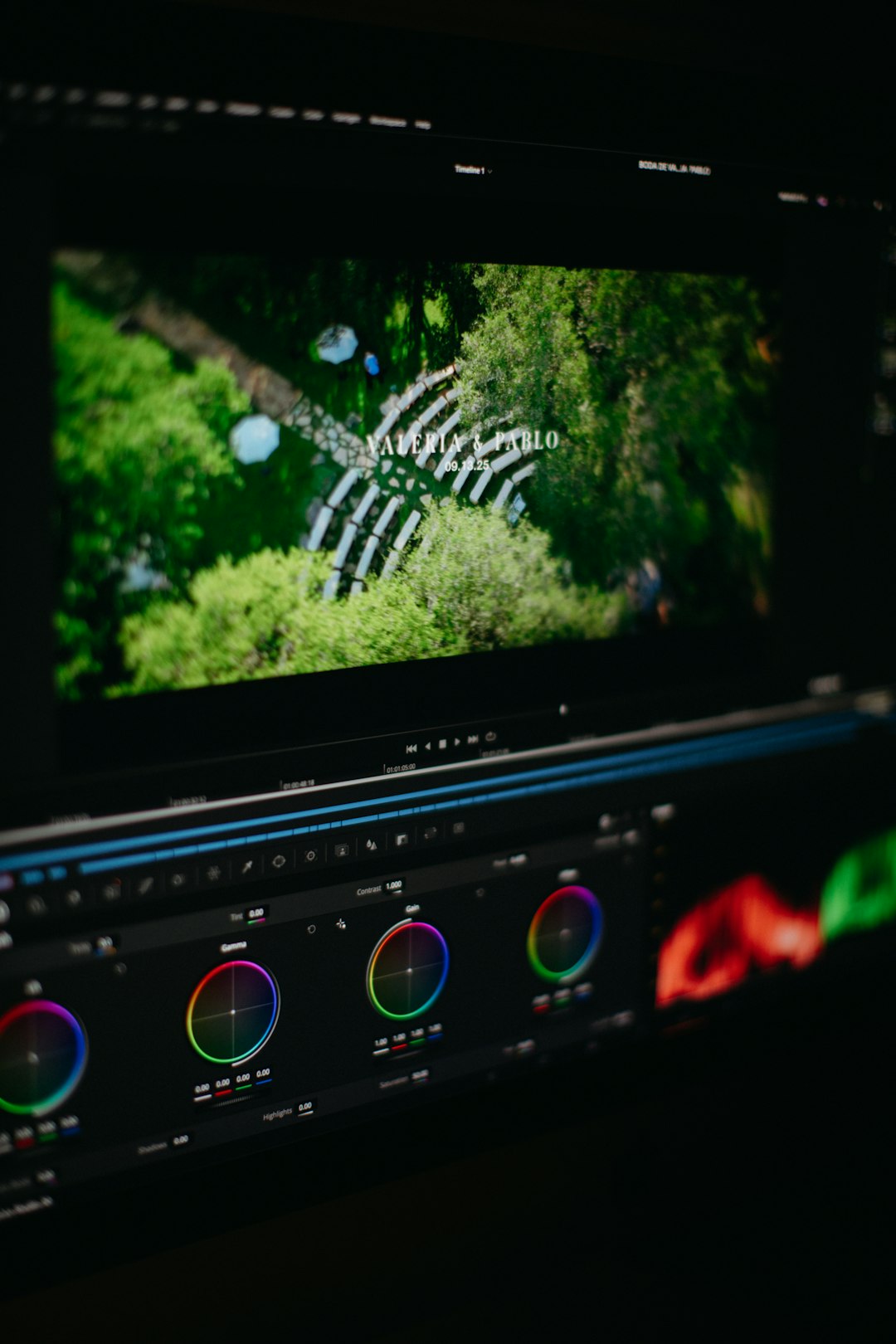
Why people like Rev:
- High accuracy rates, especially with human review
- Fast turnaround times
- Support for multiple languages
- Easy export options (SRT, VTT, and more)
Imagine you just recorded a 45-minute online workshop. Upload it. Let Rev generate captions. You can then review and edit anything that looks off. It saves hours of manual typing.
This tool is especially useful for:
- Educational platforms
- Legal recordings
- Corporate training videos
- Professional content creators
The result? Clean, professional subtitles that make your content more accessible and trustworthy.
2. Otter.ai – Great for Meetings and Quick Content
Otter.ai is popular for one big reason. It is simple. Very simple.
Originally built for meeting transcriptions, it now works great for video captioning too. You can upload video or audio files. The tool automatically creates a transcript. Then you can turn that into captions.
What makes Otter.ai stand out:
- Real-time transcription
- Speaker identification
- Searchable transcripts
- Collaboration features
If you record lots of Zoom meetings, interviews, or podcast videos, this tool can become your best friend.
Accessibility is not just about disability. It is also about clarity. Otter helps non-native speakers follow along. It helps team members review discussions. It helps content creators turn spoken ideas into readable content.
Here is a simple workflow:
- Record your meeting or video.
- Upload it to Otter.ai.
- Edit the transcript.
- Export captions for your video platform.
Done. No complicated setup.
This tool is perfect for:
- Remote teams
- Coaches and consultants
- Content repurposing
- Students and researchers
3. Kapwing – Easy, Visual, and Social Media Ready
If you create content for TikTok, Instagram, or YouTube, Kapwing is a fun and powerful choice.
Kapwing is an online video editor with built-in auto-captioning. That means you can generate captions and style them in the same place.

Why creators love Kapwing:
- Automatic subtitle generation
- Customizable fonts and colors
- Drag-and-drop editing
- Templates for social media formats
This is where accessibility meets creativity.
You are not just adding text. You are designing it. You can highlight keywords. Change text color. Add animated captions. This helps viewers who scroll with sound off. And that is a lot of people.
Studies show many social media users watch videos without sound. Captions grab attention. They keep users watching longer. And they increase engagement.
Kapwing is ideal for:
- Influencers
- Small businesses
- Marketing teams
- YouTube creators
Best part? You do not need advanced editing skills. If you can drag and click, you can caption your video.
4. YouTube Automatic Captions – Free and Built-In
Yes, sometimes the best tool is already waiting for you.
If you upload videos to YouTube, the platform automatically generates captions. They are not perfect. But they are a great starting point.
Here is how it works:
- Upload your video.
- Wait for processing.
- Review auto-generated subtitles.
- Edit for accuracy.
It costs nothing. And it is built into your workflow.
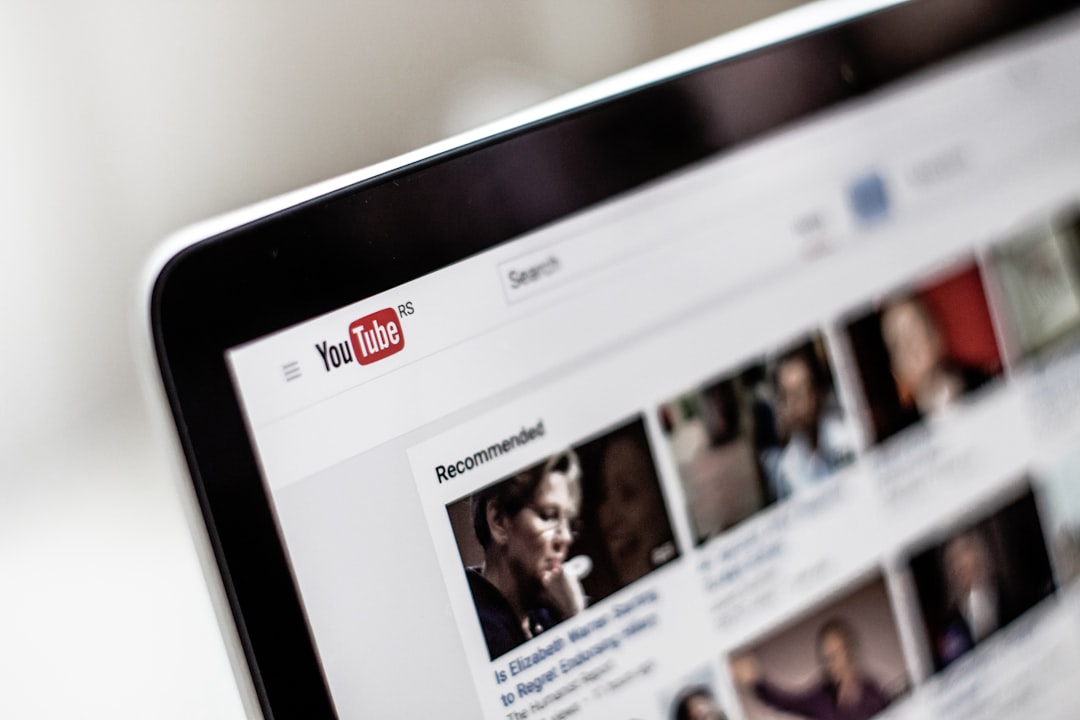
Why YouTube captions matter:
- Improves search engine visibility
- Makes videos accessible globally
- Boosts watch time
- Supports multilingual audiences
YouTube also allows you to upload your own caption files. So you can combine it with other tools mentioned above.
This is great for:
- Beginner creators
- Budget-conscious projects
- Educational channels
- Nonprofits
Free does not mean low value. With proper editing, YouTube captions can be highly effective.
Why Accessibility Should Be Your Priority
Let’s zoom out for a moment.
Over 1.5 billion people worldwide live with some form of hearing loss. That is a huge audience. If your videos have no captions, you are shutting the door.
But accessibility is even bigger than that.
Captions also help:
- People watching in noisy environments
- People watching in quiet places like libraries
- Non-native speakers
- People with learning differences
Accessibility is not a “nice extra.” It is smart communication.
And here is another bonus. Captions improve SEO. Search engines can read text. They cannot watch videos. When your video has captions or transcripts, it becomes searchable.
That means:
- More visibility
- More traffic
- More engagement
Everyone wins.
Tips for Creating Better Captions
Even with great tools, quality matters.
Keep these tips in mind:
- Keep sentences short. Long lines are hard to read.
- Use proper punctuation. It improves clarity.
- Sync captions correctly. Timing is everything.
- Use high contrast text. Make it easy on the eyes.
- Test on mobile devices. Many users watch on phones.
Also, always review auto-generated captions. AI is powerful. But it still makes mistakes. Names. Technical terms. Accents. These often need correction.
A quick edit can make a big difference.
How to Choose the Right Tool
Not every tool is right for everyone.
Ask yourself:
- Do I need high accuracy or fast output?
- Is this for professional or casual content?
- What is my budget?
- Do I need design customization?
If accuracy is critical, go with a human-reviewed option like Rev.
If you need quick transcripts for meetings, try Otter.ai.
If you focus on social media and style, Kapwing is your playground.
If you are just starting out, YouTube’s built-in captions are a great first step.
Final Thoughts
Captioning used to be slow and expensive. Not anymore.
Today, AI tools make it fast. Affordable. And accessible to everyone.
Adding captions is one of the easiest ways to improve your video content. It helps more people understand you. It increases engagement. It boosts discoverability.
Most importantly, it shows you care.
And in a world full of content, that care makes a difference.
So the next time you upload a video, pause for a second. Ask yourself one simple question:
Can everyone access this?
If the answer is yes, you are already ahead.