
In SaaS sales, first impressions count. A slick product demo, a fast way to book a call, and seamless contact sharing can make or break a deal. That’s why having the right digital business card app isn’t just cool—it’s essential. Your card isn’t just a name and number anymore; it’s your sales cockpit.
TLDR:
Don’t want to read the whole thing? No problem. If you’re in SaaS sales, choose a digital business card app that helps you share product demos, booking links, and contact info in seconds. Look for features like CRM integration, calendar syncing, and easy sharing by QR code or NFC. We’ve picked the best ones so you don’t have to guess.
Why Digital Business Cards Matter in SaaS
In the world of SaaS, everything is fast. Sales cycles are shorter, buyers are informed, and your pitch better be ready. Traditional business cards? They’re fine for networking mixers. But in a virtual sales world, you need digital tools that do more than just share your name.
That’s where digital business card apps come in. These apps let you:
- Share demo videos or live demo links
- Embed your Calendly, Chili Piper, or other scheduling tools
- Link to your LinkedIn, website, and product pages
- Track interactions and automate follow-ups
What Makes a Business Card App Great for SaaS Sales?
Not all digital card apps are built for sellers. A SaaS sales rep needs flexibility and speed. Here’s what matters most:
- Ease of sharing – QR codes, email, NFC tap—make it instant
- CRM integration – Automatically update contacts in HubSpot, Salesforce, or Pipedrive
- Lead capture features – Let leads save you AND give their info in return
- Customization – Add your scheduling links, logos, and product assets
Top Business Card Apps for SaaS Sales Teams
Let’s break down the best ones in the game. Whether you’re doing SDR outreach or closing deals as an AE, one of these apps will fit your toolkit.
1. HiHello
Best for: Teams prioritizing branding and CRM sync
HiHello gives you customizable digital business cards that feel like your mini-website. Every rep gets their own branded layout. It supports attachments like PDF decks, demo videos, logos, and more.
Top features:
- Link to product demos, calendars, or websites
- CRM integrations with HubSpot and Salesforce
- Track who views your card
- iOS, Android, and desktop versions
Bonus: Reps can send their card as a link, QR code, or embed in email signatures.
Image not found in postmeta2. Tappy
Best for: NFC-powered, real-life networking
Tappy makes physical cards that work with a tap. But it’s all digital under the hood. Each tap shares your custom mobile page with everything your leads need—contact buttons, meeting calendly, social profiles, and more.
Top features:
- NFC card sharing—no app needed for recipients
- Manage all contacts from a team dashboard
- Edit your card info without replacing hardware
If your team hits in-person events often, Tappy is a clever mix of physical and digital.
3. LinkCard
Best for: One-click demo and calendar sharing
This one is made with salespeople in mind. You build a single landing page with all your links: your LinkedIn, your demo library, YouTube videos, Calendly, and more.
Top features:
- Automatic lead collection forms
- Interactive cards with embedded content
- Great analytics to see who’s clicking what
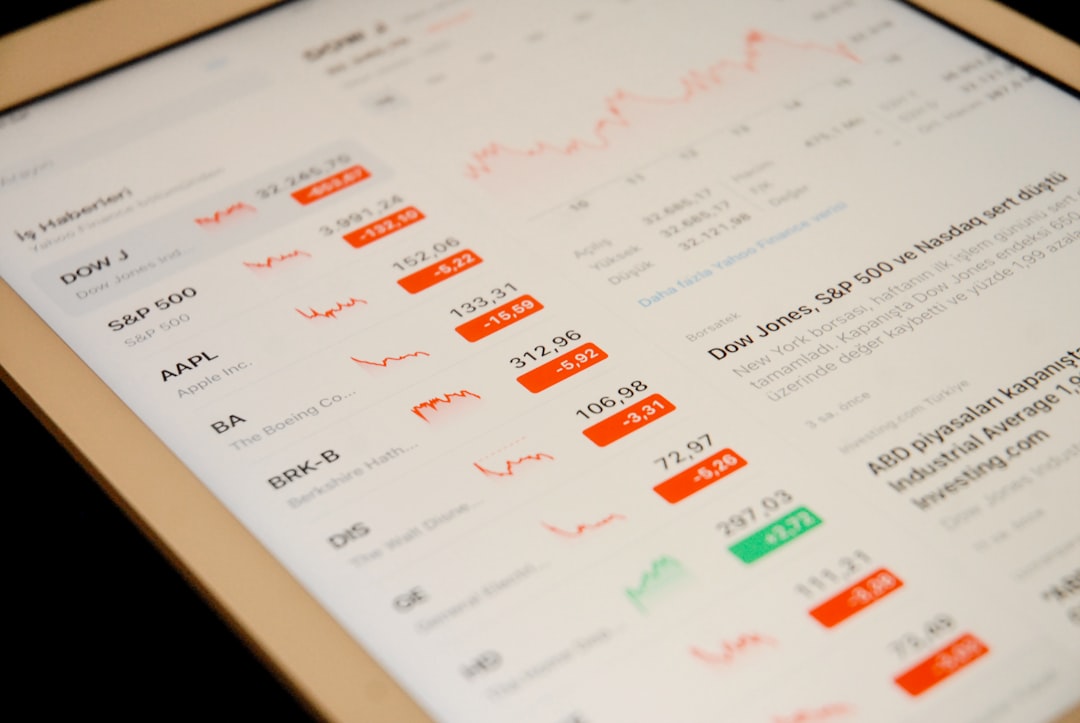
LinkCard is fast and beautiful. You can switch up your content based on who you’re prospecting without having to create a whole new card.
4. Blinq
Best for: Fast networking and URL-only sharing
Blinq is simple but powerful. It creates a digital card you can send via link or QR in any situation. It’s useful for SDRs doing high-outreach rounds and can quickly scale across sales teams.
Top features:
- Bulk user setup and branding for teams
- Real-time updates for contact cards
- Integrations with Outlook, Gmail, and Apple Wallet
If you want a fuss-free app that looks clean and works fast, give Blinq a go.
How to Use Business Card Apps to Maximize Demos & Bookings
Just having a fancy card isn’t enough. You’ve got to use it well. Here are some ideas to get the most ROI from your card:
- Attach demo videos right to your profile—make it click-and-play
- Add your calendar link high on the page—make bookings frictionless
- Route leads based on teams (ex. CS vs SDR vs AE)
- Follow up automatically via integrations into your email or CRM
- Use QR codes at trade shows or in Zoom backgrounds
These aren’t just tools for looking cool. They should actively move your conversations forward—and shorten the sales funnel.
Don’t Forget the Calendar Integrations
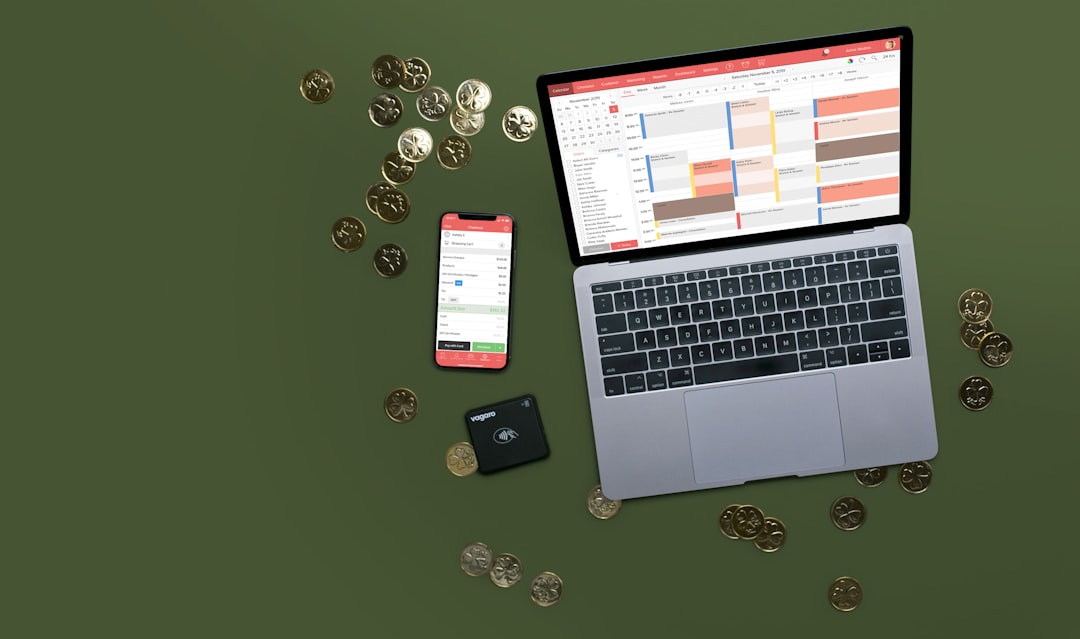
Every SaaS sales calendar is sacred. Your prospect should be able to book time in three clicks or less. Almost every tool above lets you embed your favorite scheduling tool. Popular options include:
- Calendly
- Chili Piper
- Motion
- Google Calendar booking pages
Make sure your link is visible and labeled clearly as “Book a Call” or “Schedule Demo.” Don’t hide it deep in a contact section!
Pro Tips for SaaS Sales Teams
- Standardize branding: Use your logo and brand colors across all team cards
- Set up analytics: Know who clicks your card and follow up fast
- Create templates: For different buyer personas or industries
- Share internally: Use your card for internal onboarding or team sales plays, too
Final Thoughts: Are Digital Cards Worth It?
Absolutely. Especially in SaaS. They’re faster, smarter, and more useful than paper ever was. They get your prospects to your demo, your calendar, and your brand—all before the next click. And they help you be remembered. That’s priceless.
Don’t just hand out your name. Hand out value. Use these business card tools to keep the sales conversation alive, even after the first handshake—or email.