
Adobe Photoshop has long been synonymous with powerful image editing, offering a vast array of tools for media creators, artists, and designers. While primarily known for its 2D image manipulation capabilities, many users over the years have asked whether Photoshop also includes features for working in 3D space.
TL;DR: While Adobe Photoshop once included a variety of 3D tools that allowed users to import, create, and manipulate 3D models, Adobe has begun phasing out these features as of 2021. Instead, they are shifting focus to applications like Adobe Substance 3D for dedicated 3D workflows. That said, users with older versions of Photoshop or subscriptions to Creative Cloud can still access limited 3D functionality—until full removal in future updates. For now, Photoshop is primarily positioned as a 2D tool.
The Evolution of 3D in Adobe Photoshop
Originally, Adobe Photoshop was strictly a 2D editing tool, used extensively for raster-based graphics. However, over time, Adobe began introducing 3D features in versions such as CS4 and especially CS5 Extended, providing users with the ability to work with 3D models, materials, lighting, and rendering. These features opened the door for a variety of workflows, including:
- Creating 3D text and shapes
- Painting directly onto 3D surfaces
- Importing 3D models in formats like OBJ and 3DS
- Manipulating depth, light, and material properties
These tools made Photoshop a hybrid application—capable of both advanced 2D edits and basic 3D manipulation. While powerful, the 3D engine within Photoshop was never intended to compete with specialized 3D software like Autodesk Maya, Blender, or ZBrush.
Image not found in postmetaAdobe’s Announcement to Sunset 3D in Photoshop
In 2021, Adobe made an official announcement stating that the 3D features in Photoshop would be gradually removed. This decision was largely due to compatibility and performance issues that arose with more recent operating systems and hardware configurations—especially related to modern GPUs and rendering engines.
Adobe stated:
“Photoshop’s 3D features are being discontinued in future updates as we focus our investments on the Adobe Substance 3D collection for a more robust 3D offering.”
This means that while older versions of Photoshop (up to 2021) might still include 3D tools, newer versions being released in 2022 and onward have either removed or hidden these features altogether. Users are now encouraged to transition to Adobe’s Substance 3D suite, which includes:
- Substance 3D Painter – used for high-quality texturing
- Substance 3D Stager – for scene composition and rendering
- Substance 3D Sampler – for materials creation
- Substance 3D Designer – for procedural asset creation
What 3D Features Were Available in Photoshop?
Before being phased out, Photoshop included a range of 3D capabilities. These were particularly useful for artists who wanted to combine 3D modeling with raster editing. Some of the key features included:
- 3D Mesh Import: Ability to import models in .OBJ, .DAE, and .3DS formats
- 3D Layering: Separate 3D layers with the ability to reposition objects in space
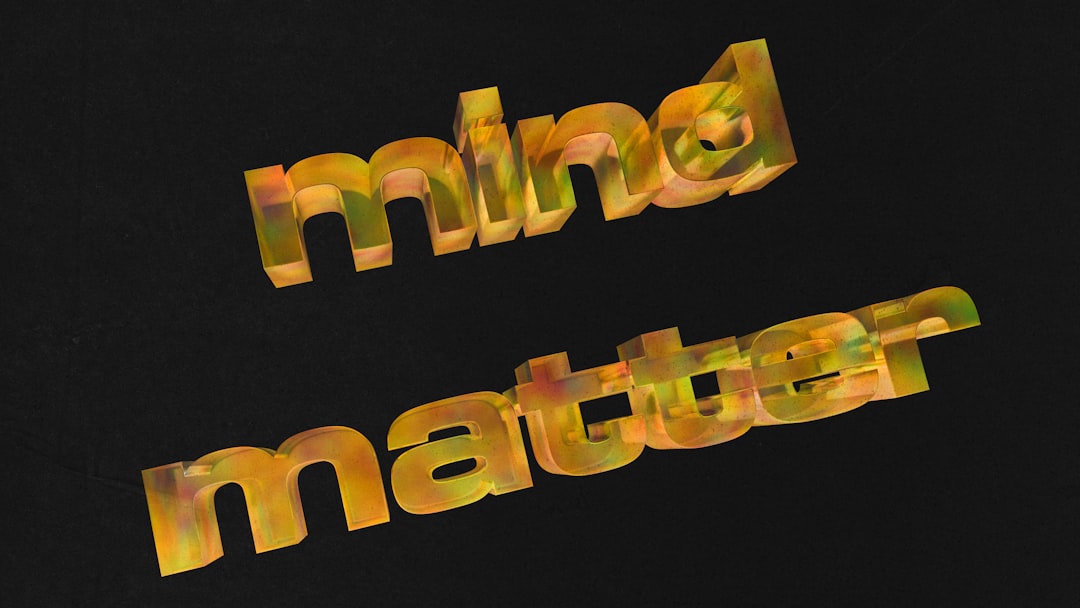
- 3D Text and Shape Extrusion: Convert 2D text into full 3D models
- Render Settings: Basic rendering tools, including ray tracing
- 3D Painting Tools: Apply textures and paint directly on 3D surfaces
These features made Photoshop a valuable entry-level tool for users who needed to integrate 3D elements in their designs without venturing into entirely new software environments.
Current Status of 3D in Photoshop
As of 2024, Adobe has officially removed 3D features from the latest versions of Photoshop. If users need to access them, they will need:
- Access to Photoshop 2021 (version 22.x) or earlier.
- Stable and compatible device drivers and GPU support to avoid crashes.
- Optional use of Adobe’s separate 3D tools, like Substance 3D, for specialized tasks.
For Creative Cloud users, Adobe does allow downloading older versions of Photoshop (depending on subscription terms), which may still include 3D support. However, long-term, the writing is on the wall: Photoshop is no longer intended to be a 3D-capable program.
Alternatives to Photoshop for 3D Work
If you’re looking to integrate 3D into your creative workflow, several tools now offer more advanced and supported solutions than Photoshop once did. These include:
- Blender: A free and open-source 3D modeling and rendering suite
- Substance 3D: Adobe’s new suite for materials and 3D rendering
- Cinema 4D or Maya: High-end modeling and animation software
- ZBrush: Industry-leading for high-detail sculpting
For those staying within Adobe’s ecosystem, the transition to Substance 3D is the most streamlined option, especially if you’re already familiar with Photoshop’s interface and Adobe’s ecosystem.
Conclusion
Adobe Photoshop did indeed have a 3D option in previous versions, offering tools for modeling, texturing, and rendering basic 3D elements. While not intended as a full 3D production suite, Photoshop’s 3D features were helpful for quick object creation or image integration. However, Adobe has officially retired these features in favor of more robust, dedicated applications in the Substance 3D line.
If you still need to use 3D inside Photoshop, it’s crucial to stay with an older version that supports it and maintain compatible hardware and software environments. Going forward, however, Adobe users should expect Photoshop to remain purely 2D-focused.
FAQ: Does Adobe Photoshop Have a 3D Option?
-
Q: Can I still use 3D features in Photoshop today?
A: Yes, but only in version 22.x (Photoshop 2021) or earlier. Newer versions no longer support 3D editing natively. -
Q: Why did Adobe remove 3D features from Photoshop?
A: Due to performance issues and limited optimization on new hardware, Adobe shifted resources to the more capable Substance 3D suite. -
Q: What 3D features were included in older versions of Photoshop?
A: Features included 3D text extrusion, painting directly on 3D objects, model import, and basic ray tracing for rendering. -
Q: Is Adobe planning to reintroduce 3D features into Photoshop?
A: No, Adobe has clearly stated that future development will focus on dedicated 3D tools like Substance 3D, not Photoshop. -
Q: What’s the best Adobe alternative to Photoshop for 3D?
A: Adobe Substance 3D Painter and Stager are the recommended alternatives for texturing and staging 3D assets.