
Recording tutorials and screen demos has become a core part of modern communication, whether for onboarding employees, teaching online courses, offering customer support, or collaborating remotely. While Loom has established itself as a popular choice for asynchronous video messaging, it is far from the only option available. Many professionals and educators seek alternatives that provide different pricing structures, enhanced editing features, stronger privacy controls, or advanced integrations.
TLDR: There are numerous powerful alternatives to Loom for recording tutorials and screen demos, each catering to different needs such as advanced editing, live streaming, collaboration, or budget-friendly solutions. Tools like Camtasia, OBS Studio, Screencast-O-Matic, ScreenFlow, and Vidyard offer distinct advantages depending on workflow and technical expertise. Choosing the right platform depends on features, team size, storage needs, and integration requirements. Exploring these alternatives can significantly improve tutorial quality and efficiency.
Why Consider Alternatives to Loom?
Loom is widely appreciated for its simplicity and instant sharing capabilities. However, users may explore alternatives for several reasons:
- Advanced editing functionality: Some users require timeline editing, audio layering, and visual effects.
- Offline recording: Not all teams prefer cloud-first solutions.
- Branding customization: Businesses often want full control over player appearance.
- Cost efficiency: Subscription pricing may not suit all budgets.
- Integration flexibility: Certain workflows demand deeper compatibility with enterprise tools.
Below are some of the best Loom alternatives for recording tutorials and screen demos.
1. Camtasia
Camtasia is a comprehensive screen recording and video editing suite designed for professionals. It offers far more editing capabilities than basic screen capture tools.
Key features:
- Multi-track timeline editing
- Built-in transitions and effects
- Cursor effects and annotations
- Quizzing and interactivity tools
- Royalty-free media library
Camtasia is especially suited for educators, instructional designers, and course creators who want polished, studio-like results. While it requires a higher upfront investment, its powerful editing tools justify the cost for serious content producers.
Best for: High-quality tutorials, e-learning creators, corporate training teams.
2. OBS Studio
OBS Studio (Open Broadcaster Software) is a free, open-source recording and live streaming tool. It is highly customizable and favored by tech-savvy users.
Key features:
- Unlimited scene composition
- Multiple source inputs (camera, screen, audio)
- Streaming to major platforms
- Plugin extensions
- No watermark or time limits
Although OBS does not offer built-in editing like Camtasia, it excels at live production and advanced screen capturing. Users with some technical knowledge can create professional results.
Best for: Developers, gamers, live instructors, and advanced users.
3. ScreenFlow (Mac Only)
ScreenFlow is a polished screen recording and editing tool designed specifically for macOS users. It combines ease of use with advanced editing functionality.
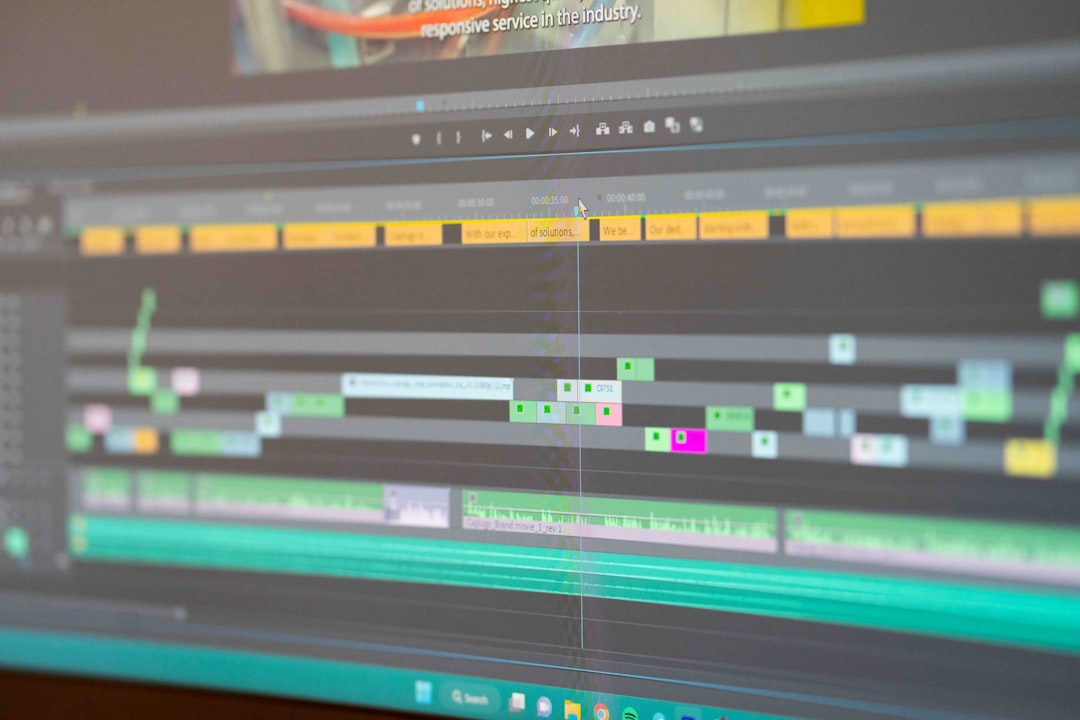
Key features:
- High-quality Retina screen recording
- Multi-channel audio recording
- Stock media library
- Motion graphics and animations
- Direct publishing to hosting platforms
ScreenFlow bridges the gap between simplicity and professional power. For Mac-based teams producing tutorials regularly, it can serve as an all-in-one production suite.
Best for: Mac users seeking professional editing without complex setup.
4. Screencast-O-Matic (ScreenPal)
Screencast-O-Matic, now rebranded as ScreenPal, offers affordable screen recording with light editing features. It strikes a balance between accessibility and essential functionality.
Key features:
- Webcam and screen capture
- Basic trimming and annotations
- Caption generation
- Scripted recording
- Cloud hosting options
It is ideal for teachers, support teams, and small businesses that need a straightforward solution without high production complexity.
Best for: Budget-conscious educators and startups.
5. Vidyard
Vidyard is particularly popular among sales and marketing teams. Like Loom, it emphasizes quick recording and sharing, but with stronger analytics and branding.
Key features:
- Screen and webcam recording
- Viewer engagement analytics
- CRM integrations
- Video personalization tools
- Enterprise security options
Vidyard is more sales-focused than traditional tutorial tools, making it suitable for product walkthroughs and client communication.
Best for: Sales teams, marketers, and customer success managers.
6. ShareX
ShareX is another free and open-source option. It is lightweight yet powerful, offering numerous capture modes.

Key features:
- Screen recording and GIF creation
- Workflow automation
- Extensive export options
- Customizable shortcuts
While it lacks built-in robust editing capabilities, ShareX is perfect for quick demos and technical documentation.
Best for: Developers and technical documentation creators.
Comparison Chart
| Tool | Editing Level | Platform | Free Version | Best For |
|---|---|---|---|---|
| Camtasia | Advanced | Windows, Mac | No | Professional tutorials |
| OBS Studio | None (recording only) | Windows, Mac, Linux | Yes | Live streaming and advanced setups |
| ScreenFlow | Advanced | Mac | No | Mac-based production |
| ScreenPal | Basic | Windows, Mac, Web | Yes (limited) | Education and small teams |
| Vidyard | Basic | Web-based | Yes (limited) | Sales communication |
| ShareX | Minimal | Windows | Yes | Quick technical demos |
How to Choose the Right Loom Alternative
Selecting the best alternative depends on several practical considerations:
- Purpose: Is the goal quick communication or polished educational content?
- Technical skill level: Some tools require advanced setup knowledge.
- Operating system: Mac-only and Windows-only tools limit flexibility.
- Budget: Free open-source options may suit startups better.
- Collaboration features: Team-based commenting and analytics matter for businesses.
Organizations focused primarily on asynchronous communication may prefer Vidyard. Course creators often benefit from Camtasia or ScreenFlow. Technical professionals frequently gravitate toward OBS Studio or ShareX for flexibility and cost efficiency.
Emerging Trends in Screen Recording Tools
Modern screen recording software increasingly incorporates artificial intelligence and automation. Features such as:
- Automatic transcription and captions
- Smart background noise removal
- Auto-zoom during cursor movement
- Instant summarization
These capabilities reduce post-production time and improve viewer engagement. As remote work continues to expand globally, competition in this space is driving innovation and lowering entry barriers.
FAQ
1. What is the best free alternative to Loom?
OBS Studio and ShareX are two of the strongest free alternatives. OBS is best for advanced recording and streaming setups, while ShareX works well for quick demos and screen captures.
2. Which Loom alternative is best for professional course creation?
Camtasia and ScreenFlow are ideal for professional tutorials because they offer multi-track editing, annotations, effects, and export options tailored for educational content.
3. Are there web-based Loom alternatives?
Yes. Vidyard and ScreenPal both offer browser-based recording options, allowing users to create and share videos without installing extensive software.
4. Which tool is best for Mac users?
ScreenFlow is widely regarded as one of the best Mac-exclusive screen recording and editing tools. It leverages macOS performance for high-quality output.
5. Do these alternatives offer video hosting?
Some tools like Vidyard and ScreenPal include built-in hosting. Others, such as OBS Studio and Camtasia, require uploading videos to external platforms.
6. What should companies prioritize when choosing a screen recording tool?
Companies should consider scalability, integration with existing systems, data security, branding options, and collaboration features before making a decision.
By exploring these Loom alternatives and aligning features with organizational goals, professionals can create engaging, high-quality tutorials and screen demos that enhance communication and learning experiences.