
With WordPress powering over 40% of the internet, developers worldwide are constantly seeking powerful and efficient external code editors that support the platform’s unique markup and coding needs. Whether it’s editing theme files, crafting custom plugins, or adjusting functions, the right external code editor can dramatically improve a developer’s workflow and productivity. Given the sheer number of editors available, choosing one that aligns with WordPress standards can be challenging.
TL;DR
Several excellent external code editors support WordPress markup, each catering to different workflows. Visual Studio Code is widely praised for its extensibility and WordPress-specific plugins. Sublime Text and Atom are lightweight yet powerful, while PHPStorm delivers robust features ideal for advanced projects. Your ideal choice depends on your development style, required features, and project scope.
1. Visual Studio Code
Visual Studio Code (VS Code) by Microsoft has become the top choice for many WordPress developers due to its high customization capabilities and a broad range of extensions. It’s a free, open-source code editor that supports various languages, including HTML, CSS, JavaScript, and PHP — the exact combination that WordPress relies on.
- WordPress-specific Extensions: Supports extensions like PHP Intelephense, WordPress Snippet, and WordPress Toolbox for autocomplete functions and syntax highlighting.
- Live Server Integration: Seamless preview through locally hosted servers to monitor WordPress changes in real time.
- Git Integration: Built-in Git control helps track code versions across WordPress projects effortlessly.
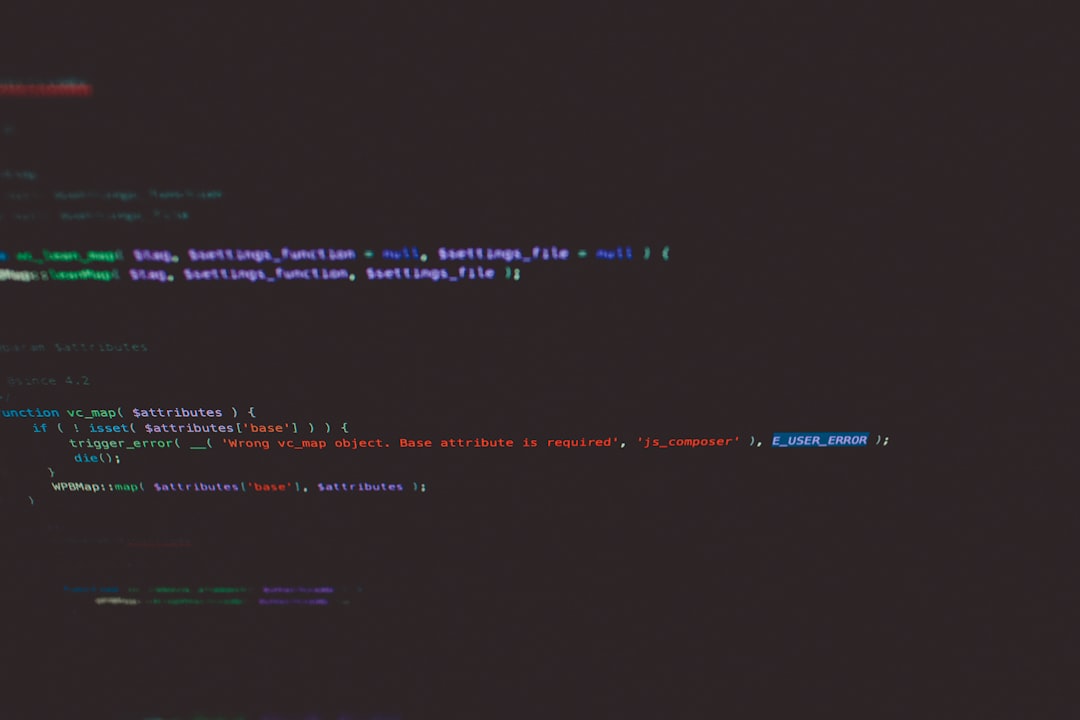
Best For: Beginners and pros looking for a modular setup and a supportive extension ecosystem.
2. Sublime Text
Sublime Text is another popular choice among developers for its speed and minimalist interface. Even with its lightweight design, it boasts powerful capabilities when configured correctly for WordPress development.
- Ultra-Fast Performance: Ideal for running on lower-spec machines while still handling large codebases smoothly.
- Package Control: Easy plugin management through Package Control, including WordPress packages and PHP highlighters.
- Goto Anything & Multi-Edit: Quick navigation and simultaneous edits across files help when managing WordPress themes and child themes.
Best For: Developers who want speed and don’t need a full IDE experience.
3. PHPStorm
Tailored specifically for PHP, PHPStorm by JetBrains is a full-fledged Integrated Development Environment (IDE) that provides advanced tools that go far beyond simple code editing. It has dedicated support for WordPress development through smart coding assistance and deep code awareness.
- Advanced PHP and WordPress Integration: Out-of-the-box understanding of WordPress core functions and structures.
- Built-in Debugging: Comes with powerful debugging capabilities using Xdebug, indispensable for plugin development.
- Code Refactoring: Easily manage code consistency across dynamic environments with intelligent refactoring tools.
Best For: Experienced developers working on complex plugins and enterprise-level WordPress applications.
4. Atom
Atom, developed by GitHub, is an open-source, hackable text editor suitable for WordPress development. Although development on Atom has slowed, it still maintains loyal users who enjoy its plugin-rich environment and a clean UI.
- Hackable Core: Developers can modify almost any aspect of the editor to tailor it for their WordPress projects.
- Extension Library: Plugins such as wordpress-api-snippet and php-cs-fixer bring WordPress language features into the editor.
- Markdown Preview & File Teasing: Ideal for documentation writing alongside coding.
Best For: Developers who appreciate community-driven tools and want full control over customization.
5. Brackets
Brackets is an open-source editor originally created with web design in mind. While it’s more focused on front-end development, it’s quite useful for WordPress developers who mainly work on themes and CSS-heavy aspects.
- Live Preview: Lets you see HTML and CSS changes live in the browser — perfect for theme customization.
- Preprocessor Support: Built-in LESS and SCSS support for WordPress themes using preprocessors.
- Plugin Extensions: Various WordPress-related plugins available in the extension manager.
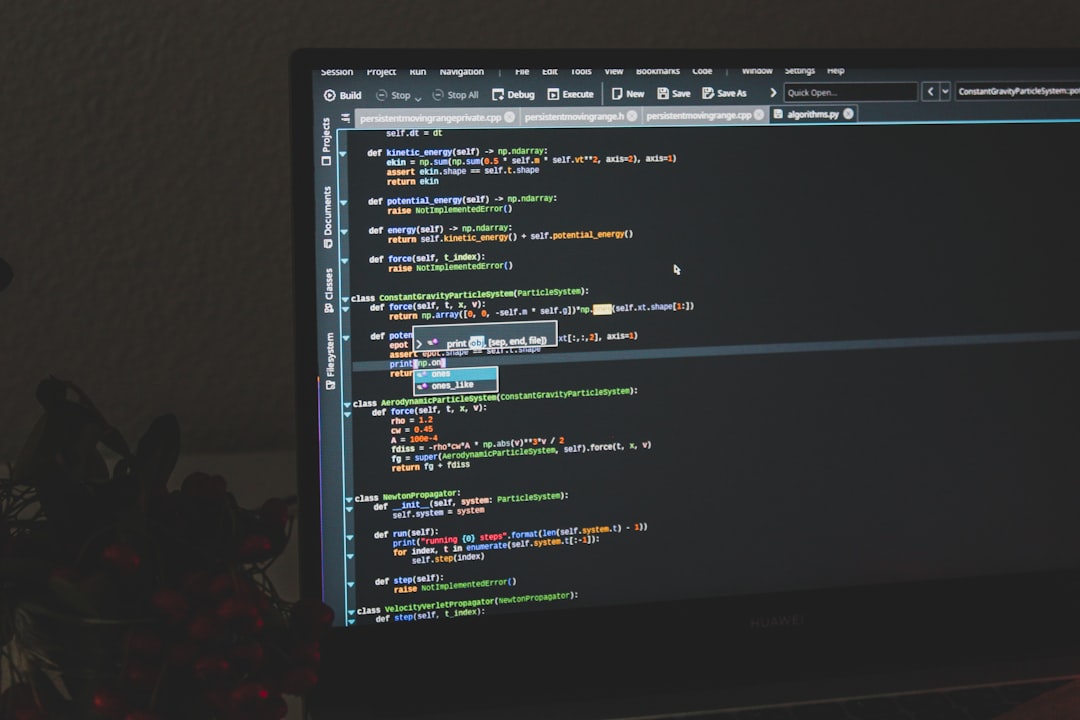
Best For: Designers and front-end developers working within WordPress environments.
6. Notepad++
Notepad++ is a lightweight text editor for Windows that supports syntax highlighting for PHP, HTML, CSS, and more. Though it’s simple on the surface, it can be extended through plugins for more advanced usage.
- Low Resource Usage: Runs seamlessly even on older machines.
- Basic WordPress Functionality: Allows file navigation and simple quick-editing of core or theme files.
- Custom Shortcuts and Plugins: Expands to meet basic WordPress development needs without the overhead of larger IDEs.
Best For: Beginners and quick-edits for WordPress core or theme files.
Choosing the Right Editor
Ultimately, the best external code editor for WordPress development depends on several factors: project scale, performance needs, desired features, and personal preference. While PHPStorm offers z-depth for enterprise applications, VS Code balances performance and flexibility. Meanwhile, lightweight options like Sublime Text, Atom, and Brackets attract those who prefer streamlined workflows.
Conclusion
External editors can greatly enhance your WordPress development experience. From powerful IDEs like PHPStorm to versatile and fast editors like VS Code and Sublime Text, there’s something for every kind of developer. By understanding the strengths of each, professionals can streamline their workflows, increase code quality, and boost project efficiency.
Frequently Asked Questions (FAQ)
-
Q: Can I use Visual Studio Code for complete WordPress site development?
A: Absolutely. With the right set of extensions, you can manage everything from theme development to plugin creation in VS Code. -
Q: Is PHPStorm worth the cost for WordPress development?
A: If you work on complex or professional-grade projects, the built-in tools and deep PHP integration make PHPStorm a valuable investment. -
Q: Are these editors compatible with macOS and Linux?
A: Most editors like VS Code, Sublime Text, and Atom are cross-platform and support macOS, Windows, and Linux. -
Q: Which editor is best for beginners to learn WordPress development?
A: VS Code is ideal for beginners due to its user-friendly interface, helpful extensions, and strong community support. -
Q: Do these editors come with FTP support to upload files directly to WordPress servers?
A: Some do through plugins (e.g., VS Code with FTP plugins). However, for production environments, it’s better to use Git or deployment tools.