
Digital note-taking has become a cornerstone of academic and professional productivity. While Notability has long been a popular choice for students and professionals who want to combine handwriting, typing, audio recording, and PDF annotation in one place, it is far from the only option available. Whether you are looking for a more affordable solution, stronger cross-platform compatibility, better collaboration tools, or specialized features, there are numerous powerful alternatives worth exploring.
TLDR: Notability is a strong note-taking app, but many alternatives offer similar or even superior features depending on your needs. Apps like GoodNotes, OneNote, Obsidian, Evernote, and Notion each excel in different areas such as handwriting, collaboration, knowledge management, or cross-platform support. Choosing the right tool depends on your workflow, device ecosystem, and budget. Below, we break down the best alternatives and compare their strengths to help you decide.
Why Consider a Notability Alternative?
Notability is particularly popular among iPad users because of its smooth Apple Pencil integration and intuitive interface. However, students and professionals often seek alternatives for several reasons:
- Cross-platform support (Windows, Android, web access)
- Advanced organization systems
- Collaboration features for teams
- Lower one-time costs or flexible pricing
- Better knowledge management or linking systems
Your ideal note-taking platform depends heavily on how you work. Are you annotating lecture slides? Managing research? Brainstorming ideas? Collaborating with colleagues? Different tools shine in different contexts.
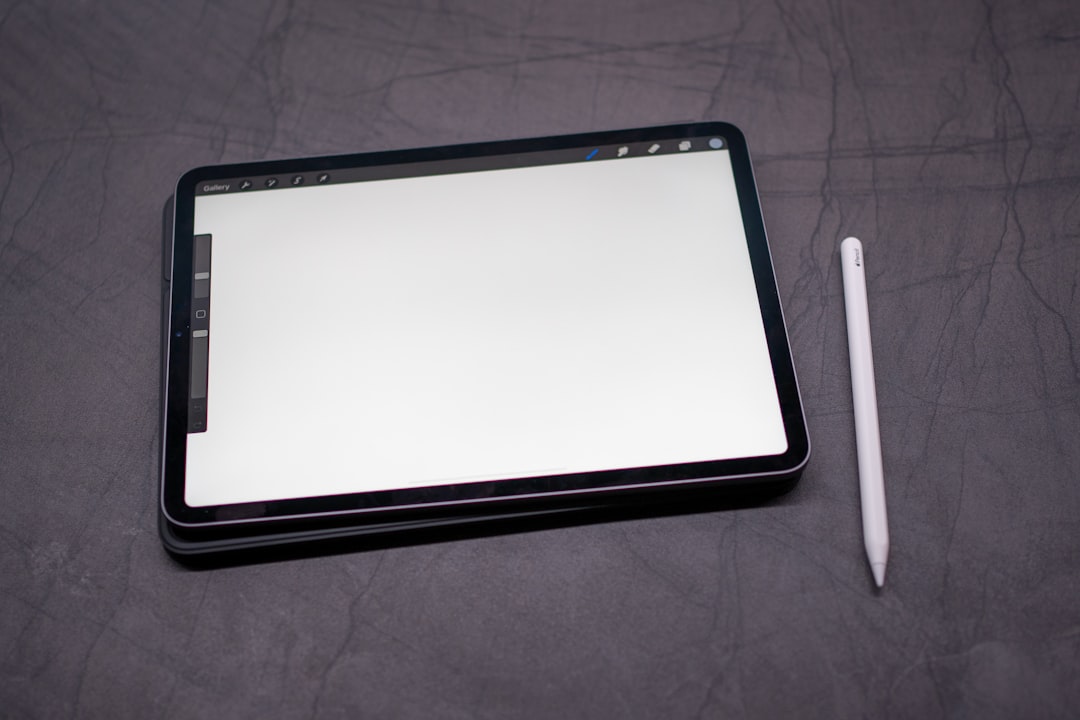
Top Notability Alternatives for Students and Professionals
1. GoodNotes
Best for handwritten notes and iPad users.
GoodNotes is often considered Notability’s closest competitor. It offers excellent handwriting recognition, smooth Apple Pencil responsiveness, and a digital notebook-style structure that feels natural and intuitive.
Key features:
- Advanced handwriting search
- Custom digital planners and templates
- PDF annotation and markup
- Folder-based organization
- Cross-device sync (Apple ecosystem and expanding beyond)
Students who rely heavily on handwritten lecture notes often find GoodNotes slightly superior in writing precision and page customization.
2. Microsoft OneNote
Best for cross-platform users and collaboration.
OneNote is a powerhouse alternative, especially for those already using Microsoft 365. Unlike Notability, it works seamlessly across Windows, Mac, iOS, Android, and web browsers.
Why professionals love it:
- Real-time collaboration
- Freeform canvas (click anywhere to type)
- Strong integration with Outlook and Teams
- Free version available
For work meetings, shared research, or group projects, OneNote’s collaboration tools give it a significant advantage.
3. Obsidian
Best for knowledge management and research.
Obsidian is not a traditional handwriting-based app. Instead, it is a powerful markdown-based knowledge management tool built around linking notes together.
Ideal for:
- Researchers
- Graduate students
- Writers
- Long-term project planners
Its backlinking system allows you to connect ideas in a web-like structure, creating a “second brain.” Unlike linear note apps, Obsidian helps you visualize relationships between topics and concepts.
4. Evernote
Best for structured organization and task integration.
Evernote combines notes, tasks, and document storage into one unified workspace. While it has evolved over the years, it remains a solid alternative for professionals managing diverse projects.
Standout features:
- Powerful search functionality (even inside PDFs and images)
- Task management integration
- Web clipper for research
- Cross-platform compatibility
If your workflow mixes note-taking, document archiving, and task tracking, Evernote provides strong organizational tools.
5. Notion
Best for all-in-one productivity systems.
Notion goes beyond basic notes. It is a modular workspace where you can build databases, project boards, wikis, and collaborative documents.
Great for:
- Team collaboration
- Project management
- Building structured knowledge bases
- Custom dashboards
Students often use Notion to track assignments and readings, while professionals rely on it for team documentation and workflows.
6. Apple Notes
Best free option for Apple users.
Apple Notes has quietly grown into a robust tool. It supports handwriting, document scanning, smart folders, tagging, and tight iCloud integration.
Benefits include:
- Completely free
- Seamless Apple ecosystem sync
- Quick access and simplicity
- Reliable performance
For many users, Apple Notes is more than sufficient without requiring a subscription.
Comparison Chart: Notability Alternatives at a Glance
| App | Best For | Handwriting Support | Cross Platform | Collaboration | Pricing Model |
|---|---|---|---|---|---|
| GoodNotes | Handwritten notes | Excellent | Primarily Apple | Limited | One time or subscription |
| OneNote | Teams and flexibility | Strong | Yes | Excellent | Free with optional 365 |
| Obsidian | Research and knowledge | Limited | Yes | Plugin dependent | Free with paid sync |
| Evernote | Organization and tasks | Basic | Yes | Moderate | Subscription |
| Notion | All in one workspace | No native handwriting | Yes | Excellent | Free and subscription tiers |
| Apple Notes | Free Apple solution | Good | Apple only | Basic sharing | Free |
How to Choose the Right Alternative
When selecting a Notability alternative, ask yourself:
- Do I prioritize handwriting or typing?
- Do I need collaboration features?
- Which devices do I use daily?
- Am I managing short-term notes or long-term knowledge?
- What is my budget?
Students in lecture-heavy majors may prefer GoodNotes or OneNote. Researchers handling complex ideas may lean toward Obsidian. Corporate professionals might benefit from OneNote or Notion.
Special Considerations for Students
Students often need:
- Audio recording synced with notes
- PDF annotation for lecture slides
- Easy export for assignments
- Affordable pricing
GoodNotes and OneNote typically meet these needs exceptionally well. If budget is tight, Apple Notes or OneNote’s free tier may be sufficient.
Special Considerations for Professionals
Professionals prioritize:
- Collaboration and sharing
- Secure cloud syncing
- Integration with workplace tools
- Task and project management
For business environments, OneNote and Notion often lead due to strong team features and integration capabilities.
The Future of Digital Note-Taking
Modern note-taking apps are evolving toward hybrid systems that combine:
- Artificial intelligence assistance
- Transcription and summarization tools
- Knowledge graphs and backlinks
- Cross-device continuity
The best alternative today may evolve tomorrow as features expand. Many platforms are integrating AI note summaries, smart tagging, and enhanced search, making it easier than ever to organize information efficiently.
Final Thoughts
Notability remains an excellent app, particularly for iPad users focused on handwriting and simplicity. However, it is no longer the only strong option available. From the collaborative strength of OneNote to the knowledge-building power of Obsidian and the flexible workspaces of Notion, modern note-taking tools offer more variety than ever before.
The key is alignment. Choose the platform that complements your workflow rather than trying to adjust your workflow to the app. With the right tool, note-taking becomes more than recording information—it becomes a system for thinking, organizing, and achieving your academic or professional goals.