
Meetings generate ideas, decisions, and action items—but they also create information overload. If you have ever left a virtual call scrambling to recall what was agreed upon, you are not alone. AI meeting assistants have transformed the way teams capture, organize, and retrieve insights from conversations. Tools like Fireflies have set the standard, but several powerful alternatives now offer unique features designed to enhance productivity and clarity.
TLDR: AI meeting assistants record, transcribe, and summarize meetings automatically, ensuring no critical detail gets lost. Beyond Fireflies, tools like Otter.ai, Fathom, Avoma, and tl;dv offer advanced features such as smart summaries, CRM integrations, and coaching insights. These platforms save time, improve team collaboration, and make follow-ups effortless. Choosing the right one depends on your workflow, integrations, and reporting needs.
In this article, we explore four AI-powered meeting assistants that help you capture key insights, streamline documentation, and turn conversations into actionable outcomes.
Why AI Meeting Assistants Are Essential
Modern meetings happen across platforms like Zoom, Microsoft Teams, and Google Meet. While video conferencing is convenient, manual note-taking can be distracting and incomplete. AI meeting assistants solve three major challenges:
- Accurate Transcription: Capture word-for-word dialogue in real time.
- Actionable Summaries: Automatically identify decisions, action items, and key discussion points.
- Searchable Archives: Easily revisit conversations with keyword searches.

Rather than relying on memory or scattered notes, teams gain a centralized, organized record of discussions. Now, let’s look at four standout tools that rival Fireflies in functionality and innovation.
1. Otter.ai
Best for collaborative transcription and real-time note-taking.
Otter.ai is one of the most recognized AI transcription platforms and a strong alternative to Fireflies. It excels in live meeting transcription and collaborative annotations.
Key Features:
- Real-time transcription during virtual meetings
- Speaker identification
- Automated summaries and highlights
- Team collaboration with comments and shared notes
- Integration with Zoom, Google Meet, and Microsoft Teams
Otter’s strength lies in its simplicity and accessibility. Teams can highlight important moments during meetings and add comments to transcripts as discussions unfold. The platform also provides automated summaries, enabling quick reviews without replaying entire recordings.
Why choose Otter.ai? If your team values live note collaboration and easy sharing, Otter is a practical and efficient choice.
2. Fathom
Best for instant summaries and CRM syncing.
Fathom is designed to help professionals stay present during meetings while AI handles documentation. It provides instant summaries and structured insights immediately after calls end.
Key Features:
- Automatic recording and transcription
- AI-generated meeting summaries within seconds
- One-click syncing to CRM systems
- Highlight clips for sharing specific moments
- Integration with productivity platforms
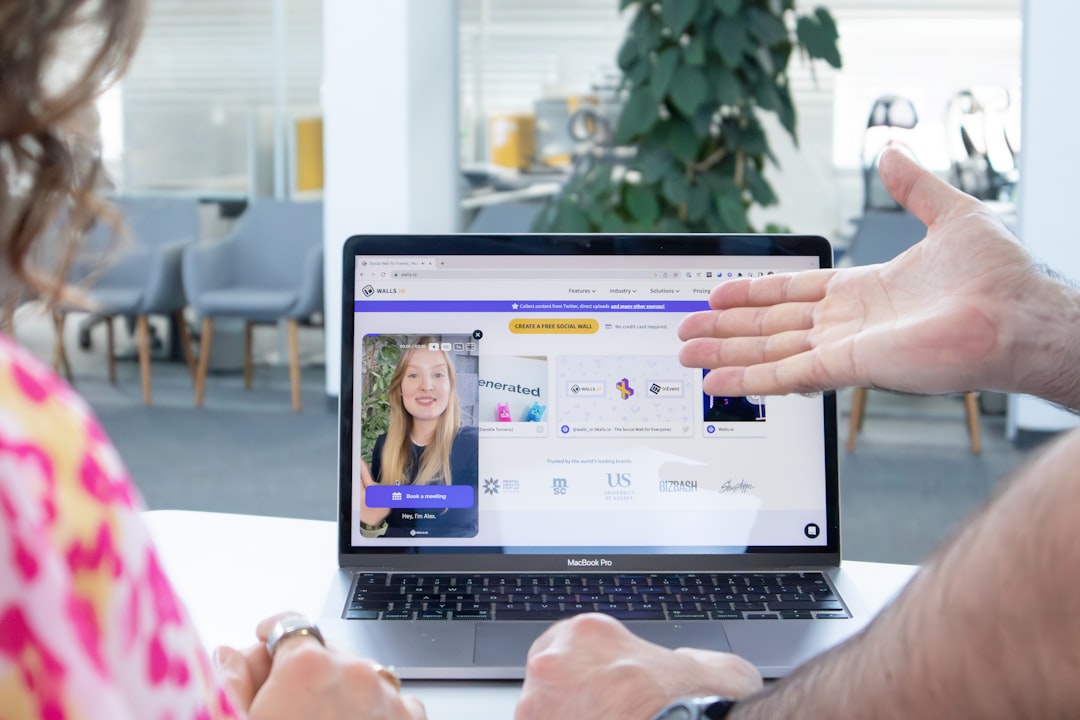
Sales teams particularly benefit from Fathom’s CRM integrations. Meeting highlights and notes can be automatically pushed into systems like Salesforce, reducing manual data entry. The clip-sharing feature is also ideal for training sessions and stakeholder updates.
Why choose Fathom? If your workflow heavily depends on CRM updates and you want fast, structured summaries, Fathom delivers strong automation.
3. Avoma
Best for conversation intelligence and coaching insights.
Avoma goes beyond transcription by offering deep conversational analytics. It does not just capture what was said—it analyzes how conversations unfold.
Key Features:
- AI-generated notes and topic detection
- Conversation intelligence metrics
- Keyword and talk-time analysis
- Coaching insights for managers
- Advanced search across meetings
This tool is particularly valuable for customer-facing teams. Managers can assess talk ratios, objection handling, and customer sentiment to optimize performance. Product teams can identify recurring feature requests or customer pain points through keyword tagging.
Avoma transforms meetings into measurable performance data, helping teams refine their communication strategy.
Why choose Avoma? If you want deeper analytics and structured data from conversations—not just transcripts—Avoma is a powerful option.
4. tl;dv
Best for asynchronous collaboration and timestamped highlights.
tl;dv (too long; didn’t view) focuses on making meetings more digestible. It allows users to create timestamped highlights that teammates can review without watching full recordings.
Key Features:
- AI recording and transcription
- Timestamped tagging and sharing
- Automated meeting summaries
- Multi-language support
- Integration with Notion, Slack, and CRM tools

For global and remote teams, tl;dv supports asynchronous work environments. Team members in different time zones can quickly scan summaries, jump to relevant timestamps, and avoid unnecessary meeting replays.
Why choose tl;dv? If your organization prioritizes flexibility and asynchronous workflows, this tool makes meetings easier to consume.
Comparison Chart: AI Meeting Assistants
| Tool | Best For | AI Summaries | CRM Integration | Analytics & Insights | Collaboration Features |
|---|---|---|---|---|---|
| Otter.ai | Live transcription & collaboration | Yes | Limited | Basic | Comments & shared notes |
| Fathom | Sales & CRM automation | Instant summaries | Strong | Moderate | Clipping & sharing |
| Avoma | Coaching & conversation intelligence | Yes | Strong | Advanced analytics | Team libraries |
| tl;dv | Asynchronous teams | Yes | Moderate | Moderate | Timestamp tagging |
How to Choose the Right AI Meeting Assistant
Every team has different priorities. Here are a few factors to consider when selecting your tool:
- Integration Needs: Ensure compatibility with your video platform and CRM.
- Depth of Insights: Decide whether you need basic summaries or advanced analytics.
- Collaboration Style: Look for features that match synchronous or asynchronous workflows.
- Budget & Scalability: Assess pricing plans and long-term growth potential.
By aligning these factors with your team’s goals, you can select a tool that enhances—not complicates—your workflow.
The Future of AI Meeting Intelligence
AI meeting assistants are rapidly evolving. Beyond transcription and summaries, emerging features include:
- Sentiment analysis to gauge team morale
- Predictive action item suggestions
- Automatic follow-up email drafts
- Advanced compliance and security monitoring
As artificial intelligence matures, these tools will shift from passive recorders to proactive productivity partners. Instead of simply capturing conversations, they will help shape better ones.
Final Thoughts
Meetings should drive progress—not create confusion. AI meeting assistants like Otter.ai, Fathom, Avoma, and tl;dv empower teams to capture key insights effortlessly. Whether your focus is collaboration, CRM automation, coaching analytics, or asynchronous communication, there is a solution tailored to your needs.
By embracing AI-powered documentation, organizations can reduce administrative workload, improve accountability, and ensure every great idea receives the attention it deserves. The result is not just better notes—but better decisions.