
Imagine building powerful software without writing long lines of code. Imagine connecting your favorite apps like building blocks. That is the magic of low-code automation platforms like Make. They let you design workflows visually. You drag. You drop. You connect. Done.
TLDR: Low-code automation platforms like Make allow you to create automated workflows using visual tools instead of complex code. You connect apps, set triggers, and define actions with simple building blocks. This saves time, reduces errors, and empowers non-developers to automate tasks. It’s fast, flexible, and surprisingly fun.
What Is a Low-Code Automation Platform?
A low-code automation platform helps you connect different apps and services. It lets them talk to each other. Automatically.
Instead of hiring a developer or learning advanced programming, you use a visual editor. Think of it like drawing a flowchart.
You create workflows such as:
- When someone fills out a form, send them a welcome email.
- When a payment is received, create an invoice.
- When a new lead appears, add them to your CRM.
- When a file is uploaded, copy it to cloud storage.
This is called a workflow or sometimes a scenario.
Why “Low-Code” and Not “No-Code”?
Low-code means you can build most things visually. But you still have the option to add small pieces of logic or simple expressions.
This gives you:
- More flexibility
- More power
- More customization
You do not need to be a developer. But if you understand logic, you can build almost anything.
Meet Make: A Visual Automation Powerhouse
Make is one of the most popular low-code automation tools today. It used to be called Integromat. Its visual builder is what makes it special.
Instead of boring lists and rigid forms, Make gives you a canvas. On that canvas, you design your workflow.
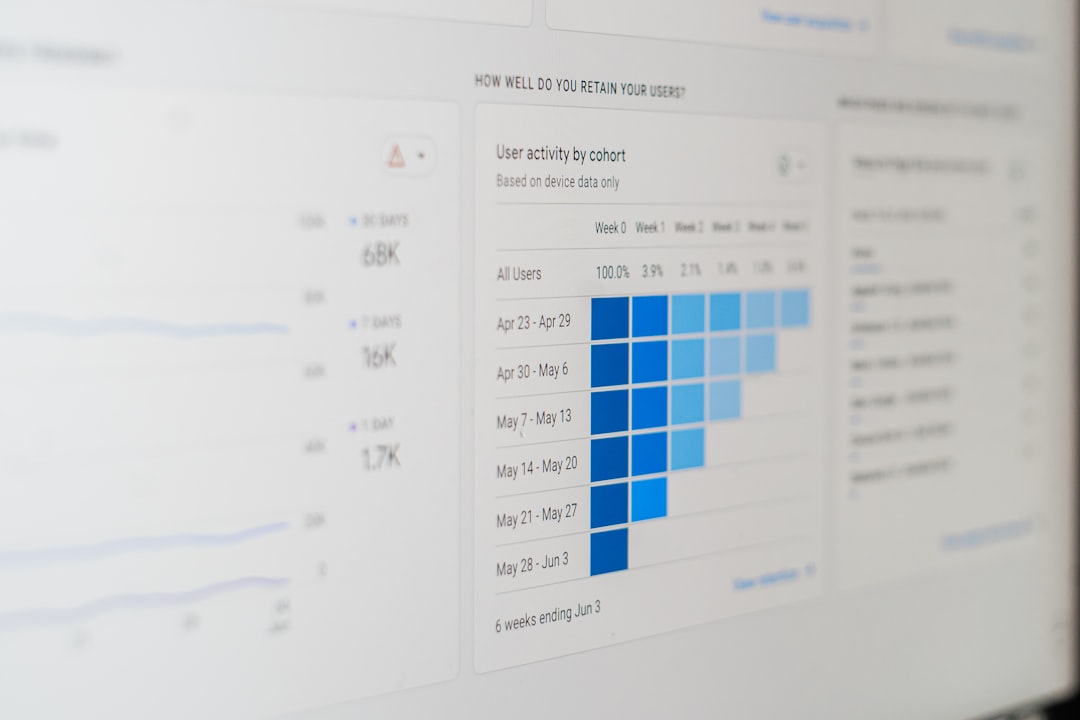
You see modules as circles. Each circle represents an app or action. You connect them with lines. It feels like drawing a map.
And the best part? You can watch your automation run in real time.
How Visual Workflows Work
Let’s break it down into simple parts.
1. Trigger
This is what starts your workflow. For example:
- A new email arrives.
- A form is submitted.
- A new order is placed.
2. Actions
These are the steps that happen after the trigger.
- Send a Slack message.
- Create a spreadsheet row.
- Update a database.
3. Conditions
Conditions let you add logic.
- If payment is successful, send receipt.
- If order is over $100, notify manager.
This is where low-code shines. You build logic visually. No scary syntax.
Real-World Examples
Here are practical use cases where Make and similar platforms shine.
Lead Management
- New lead submits form.
- Automation checks location.
- Lead is added to CRM.
- Sales rep gets notified.
- Welcome email is sent.
Ecommerce Automation
- Customer places order.
- Inventory updates automatically.
- Invoice is generated.
- Shipping label is created.
- Customer receives tracking email.
Content Marketing
- New blog post is published.
- Post is shared on social media.
- Email newsletter is drafted.
- Analytics report is updated.
No manual copying. No repetitive busywork.
Why People Love Visual Automation
Let’s be honest. Code can be intimidating.
Visual automation feels different. It feels accessible.
Here’s why users love it:
- Clarity: You see the whole workflow at once.
- Speed: Build complex automations in minutes.
- Flexibility: Adjust and scale easily.
- Error Reduction: Less manual work means fewer mistakes.
- Empowerment: Non-technical teams can build their own tools.
How Make Compares to Other Low-Code Platforms
Make is not alone. There are other popular tools in the automation space. Each has its strengths.
| Platform | Visual Builder | Best For | Complex Logic | Ease of Use |
|---|---|---|---|---|
| Make | Advanced visual canvas | Power users and growing businesses | Very strong | Medium to High |
| Zapier | Step based editor | Simple automations | Moderate | Very High |
| n8n | Node based visual editor | Technical users | Very strong | Medium |
| Power Automate | Structured flow builder | Microsoft ecosystems | Strong | Medium |
Make stands out because it balances simplicity with advanced power. It handles branching, routers, filters, and data transformation beautifully.
The Building Blocks of Make
Make’s magic comes from its flexible tools.
Modules
These connect to apps like Gmail, Shopify, Airtable, Slack, and hundreds more.
Routers
Routers split workflows into different paths. Like a traffic controller.
Filters
Filters add conditions. Only specific data moves forward.
Schedulers
Run workflows every hour. Every day. Or instantly.
Data Mapping
This is where things get powerful. You map data from one app into another. You transform it along the way.
It feels complex. But visually, it’s manageable.
Who Should Use Low-Code Automation?
The short answer? Almost everyone.
Here’s how different roles benefit:
- Entrepreneurs: Automate operations without hiring developers.
- Marketers: Sync campaigns and track performance automatically.
- Agencies: Manage clients efficiently.
- Operations Teams: Eliminate repetitive admin tasks.
- Developers: Prototype fast without writing full systems.
If you repeat a task weekly, it’s a candidate for automation.
The Fun Factor
Yes. Automation can be fun.
Building workflows feels like solving puzzles. You connect pieces. You test ideas. You see instant results.
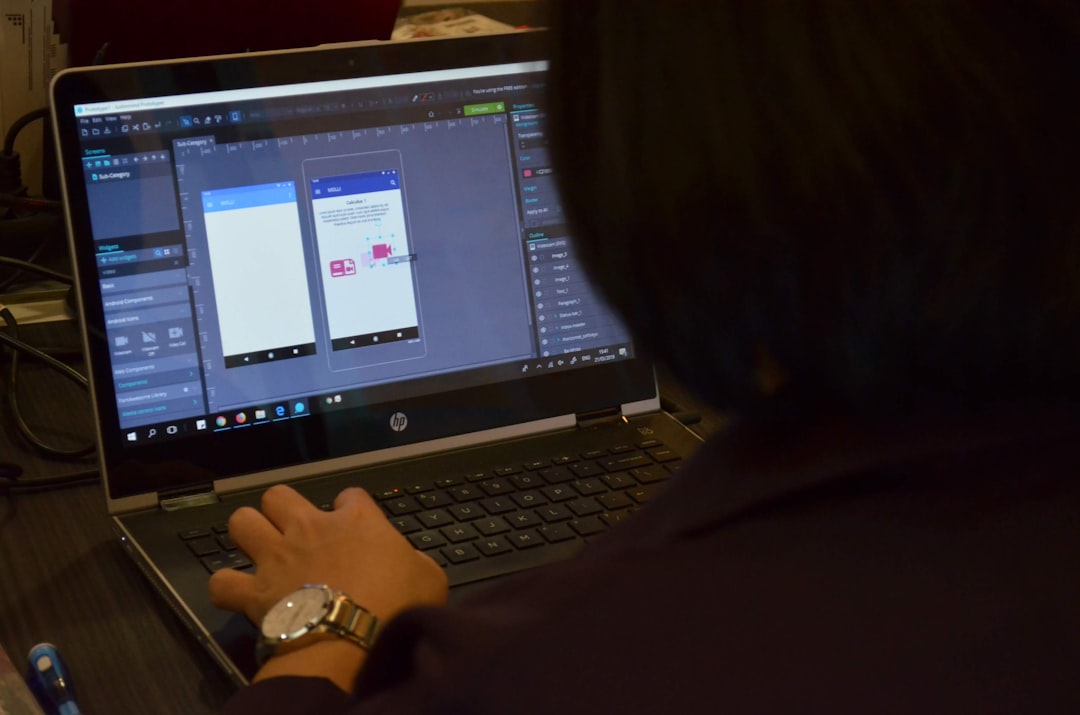
When your workflow runs perfectly for the first time, it feels magical. Like you built a tiny robot assistant.
Common Challenges (And How to Overcome Them)
Low-code platforms are powerful. But there is a learning curve.
Challenge 1: Overcomplication
Solution: Start small. Build simple flows. Expand gradually.
Challenge 2: Debugging
Solution: Use test mode. Check data logs. Review each module’s output.
Challenge 3: Data Errors
Solution: Add filters. Validate inputs. Handle exceptions carefully.
With practice, complexity becomes clarity.
Best Practices for Building Better Workflows
- Plan before building. Sketch your process.
- Name modules clearly. Avoid confusion later.
- Use error handling. Prepare for edge cases.
- Document important logic. Future you will be grateful.
- Test step by step. Don’t wait until the end.
Good automation is clean automation.
The Future of Low-Code Automation
Low-code is growing fast.
Why? Because businesses want speed. They want agility. They want control.
As AI integrates more deeply, workflows will become even smarter. Imagine automations that:
- Predict customer behavior.
- Write personalized responses.
- Optimize marketing spend automatically.
- Detect anomalies in real time.
The gap between idea and execution is shrinking. Dramatically.
Final Thoughts
Low-code automation platforms like Make give you superpowers. They turn repetitive tasks into seamless systems. They connect your digital tools into one smooth machine.
You do not need to be a developer. You need curiosity. And a willingness to experiment.
Start small. Automate one task. Watch it run.
Then automate another.
Soon, you will wonder how you ever worked without it.
Automation is not about replacing humans. It is about freeing humans to focus on creativity, strategy, and growth.
And with tools like Make, that future is already here.