
Testing modern web apps can feel like chasing a moving target. Pages load fast. Buttons appear and disappear. Content changes in seconds. You need tools that can keep up. That’s where browser automation tools come in. They act like real users. They click. They type. They scroll. And they make sure everything works.
TL;DR: Browser automation tools help you test web apps the way real users interact with them. Playwright is popular, but there are other powerful options too. Selenium, Cypress, Puppeteer, TestCafe, and WebdriverIO each have their own strengths. The right choice depends on your team’s skills, app size, and testing needs.
Let’s explore five browser automation tools like Playwright that help you test modern web apps. We’ll keep it simple. And maybe even fun.
Why Browser Automation Tools Matter
Modern web apps are complex.
- They use JavaScript frameworks like React and Vue.
- They load data without refreshing the page.
- They run on different browsers and devices.
Manual testing is slow. And humans miss things. Automation tools run tests again and again without getting tired.
They help you:
- Catch bugs early
- Save time
- Ship faster
- Improve user experience
Now let’s dive into the tools.
1. Selenium
Selenium is the grandparent of browser automation. It has been around for years. And it’s still going strong.

Why People Love Selenium
- Supports many languages. (Java, Python, C#, and more.)
- Works on all major browsers.
- Huge community support.
You write scripts that control the browser. Selenium talks to the browser driver. The browser does what you say.
Strengths
- Cross-browser testing is easy.
- Works well with existing frameworks.
- Massive ecosystem of plugins and tools.
Limitations
- Setup can feel heavy.
- Requires more configuration than newer tools.
- Tests can be slower.
Best for large teams that need flexibility and language choices.
2. Cypress
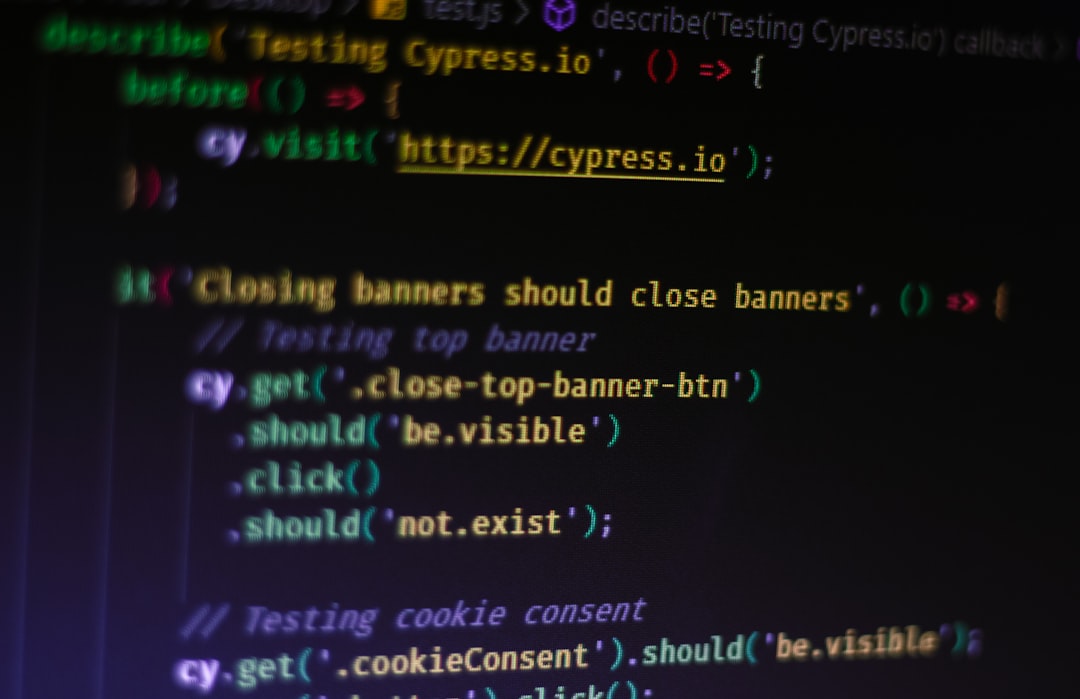
Cypress feels modern and friendly. Many front-end developers love it.
What Makes Cypress Different?
- Runs directly in the browser.
- Fast and interactive test runner.
- Easy setup.
You see tests run in real time. You can watch each click and action.
Strengths
- Great developer experience
- Automatic waiting for elements
- Clear error messages
No more random “element not found” issues. Cypress waits intelligently.
Limitations
- Mainly supports JavaScript.
- Multi-tab testing is limited.
- Not as flexible for very complex setups.
Best for startups and fast-moving teams building JavaScript-heavy apps.
3. Puppeteer
Puppeteer is built by the Chrome team. It controls Chrome or Chromium directly.
Think of it as a remote control for the browser.
Why Developers Choose Puppeteer
- Deep control over Chrome.
- Simple API.
- Great for headless testing.
Headless means the browser runs without a visible window. It’s fast. And perfect for CI pipelines.
Strengths
- Excellent for scraping and PDF generation
- Fast execution
- Tight Chrome integration
Limitations
- Mostly focused on Chromium browsers.
- Limited built-in cross-browser support.
Best for teams who mainly target Chrome users or need automation beyond testing.
4. TestCafe
TestCafe is simple. Really simple.
You install it. You write tests. You run them. No browser drivers to manage.
Image not found in postmeta
What Makes It Stand Out?
- No WebDriver setup.
- Built-in waiting mechanisms.
- Good cross-browser support.
It handles a lot of the hard parts for you.
Strengths
- Quick setup
- Clean syntax
- Works well in CI/CD pipelines
Limitations
- Smaller community than Selenium.
- Advanced customization can be limited.
Best for small to medium projects that want easy automation without deep configuration.
5. WebdriverIO
WebdriverIO adds flexibility on top of WebDriver. It’s modern. And very adaptable.
Why It’s Powerful
- Supports WebDriver and DevTools.
- Plugin-based architecture.
- Works with Selenium grid setups.
You can customize it deeply. Add reporters. Add services. Integrate with cloud testing platforms.
Strengths
- Highly customizable
- Strong community
- Cross-browser support
Limitations
- Setup can feel complex.
- Requires some learning.
Best for advanced teams that want full control.
Quick Comparison Chart
| Tool | Language Support | Best For | Cross-Browser | Ease of Setup |
|---|---|---|---|---|
| Selenium | Many (Java, Python, C#, JS) | Enterprise teams | Excellent | Moderate |
| Cypress | JavaScript | Frontend teams | Good | Easy |
| Puppeteer | JavaScript | Chrome automation | Limited | Easy |
| TestCafe | JavaScript | Quick setup projects | Good | Very Easy |
| WebdriverIO | JavaScript | Custom frameworks | Excellent | Moderate |
How to Choose the Right Tool
Choosing a tool is not about “best.” It’s about best for you.
Ask yourself:
- What language does your team use?
- Do you need cross-browser testing?
- How complex is your app?
- Do you need CI/CD integration?
If you love JavaScript and want speed, Cypress or TestCafe may feel right.
If you need multiple languages and enterprise support, Selenium could win.
If Chrome is your main focus, Puppeteer is simple and powerful.
If you want flexibility like Playwright offers, WebdriverIO gives you that modular freedom.
Final Thoughts
Browser automation is no longer optional. Modern apps change fast. Users expect everything to work. On every browser. On every device.
Tools like Selenium, Cypress, Puppeteer, TestCafe, and WebdriverIO help you keep up.
They:
- Simulate real users.
- Reduce manual effort.
- Increase confidence before release.
Each tool has its personality. Some are strict and powerful. Some are friendly and fast. Some are flexible and deep.
The good news? You can’t really go wrong.
Pick one. Start small. Write a few tests. Watch your app break safely in a test environment instead of in front of users.
That’s the magic of browser automation.
Test smart. Ship confidently. And let the robots do the boring stuff.