
AI art is everywhere right now. From social media posts to book covers and game design, artificial intelligence is helping people create stunning visuals in minutes. One popular tool is Leonardo AI. But it is not the only option. In fact, there are many powerful competitors that offer unique features, pricing plans, and creative styles.
TLDR: Leonardo AI is great, but it is not alone. Tools like Midjourney, DALL·E, Stable Diffusion, Adobe Firefly, NightCafe, and Playground AI offer amazing alternatives. Each platform has different strengths, from realism to commercial safety to total customization. The best choice depends on what you want to create and how much control you need.
Let’s explore six impressive Leonardo AI competitors. We will break them down in simple terms. No tech jargon. Just clear info to help you decide.
1. Midjourney
Midjourney is one of the most talked-about AI art tools. It runs mainly through Discord. That might sound unusual, but it works surprisingly well.
Image not found in postmetaWhy people love it:
- Extremely artistic and detailed images
- Strong at fantasy and sci fi styles
- Easy text prompts
- Active community for inspiration
Midjourney images feel polished. They often look like professional concept art. If you love dreamy landscapes or dramatic lighting, this tool shines.
Downside?
- No long free plan
- Works inside Discord
- Less fine-tuned control compared to open-source tools
If you want beautiful images fast, Midjourney is a top choice.
2. DALL·E
DALL·E, created by OpenAI, is another strong competitor. It is integrated into various platforms and tools. It focuses on generating realistic and creative results from natural language prompts.
What makes DALL·E special?
- Very good at understanding complex prompts
- Strong at realistic and commercial styles
- Easy editing features like inpainting
- User friendly interface
You can upload an image and edit a specific part. Want to replace the sky? Or add a cat to the couch? It can do that.
Limitations:
- Less stylized than Midjourney for fantasy art
- Access may depend on platform integration
If you want balanced creativity and realism, DALL·E is a safe bet.
3. Stable Diffusion
Stable Diffusion is different. It is open source. That means you can run it locally on your own computer. Or use it through many online platforms.
This gives you massive control.

Why creators love Stable Diffusion:
- Free and open source
- Custom models and fine tuning
- Control over prompts and technical settings
- Huge online community
You can train it on specific styles. Build custom character models. Adjust lighting precision. It is powerful.
But be warned:
- Learning curve can be steep
- Requires stronger hardware for local use
- Interface depends on the platform you choose
If you enjoy tweaking settings and want full creative freedom, this tool is unbeatable.
4. Adobe Firefly
Adobe Firefly is built with creators in mind. Especially commercial creators. It integrates with Photoshop and other Adobe tools.
Main advantages:
- Commercially safe training data
- Seamless integration with Adobe apps
- Text to image generation
- Generative fill and vector recoloring
This makes it perfect for designers. You can generate art and refine it directly in Photoshop.
Best for:
- Marketing professionals
- Graphic designers
- Brand content creators
It may not be as experimental as Midjourney. But it is reliable and practical.
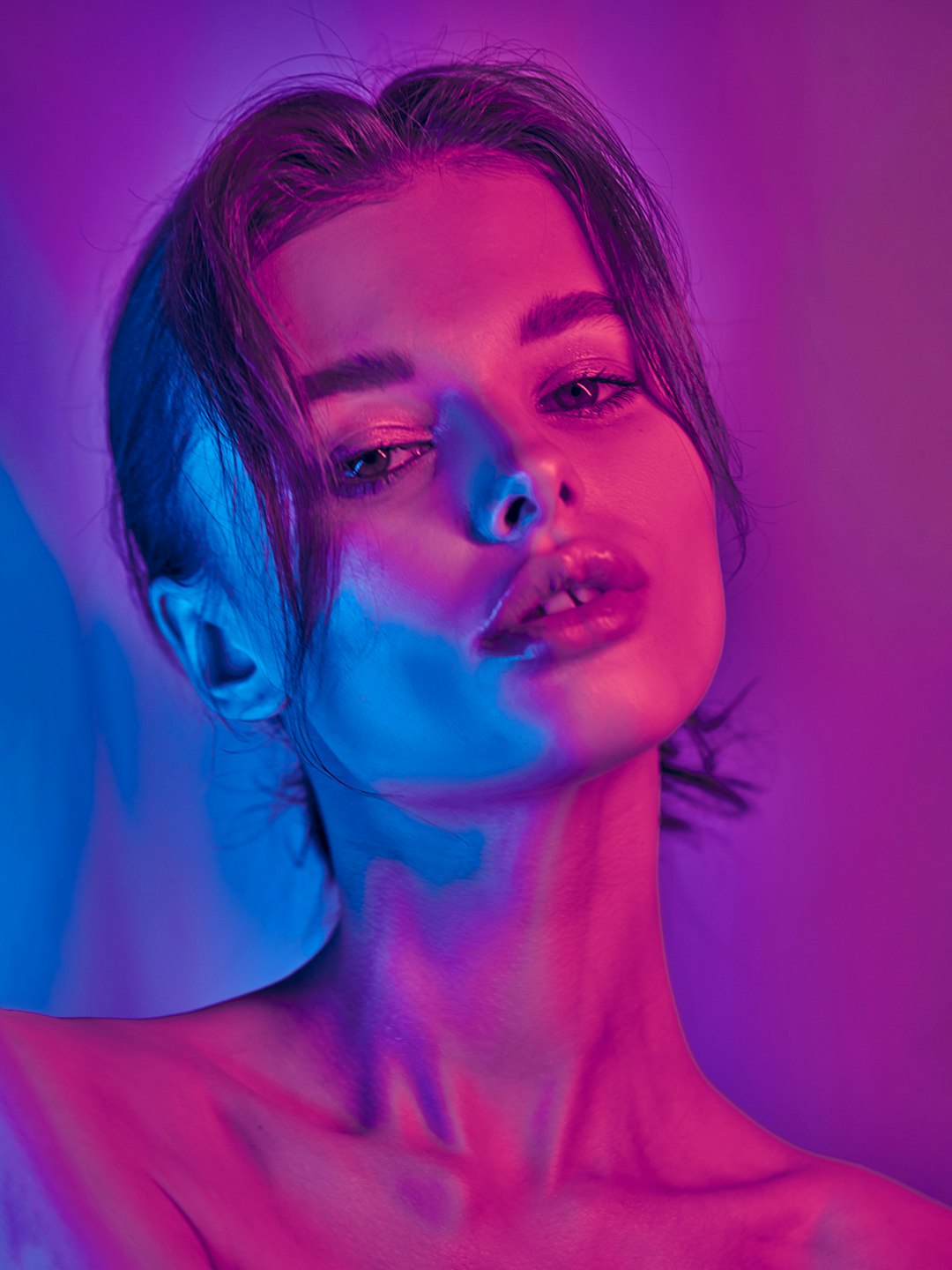
5. NightCafe Studio
NightCafe is beginner friendly and fun. It offers multiple AI models in one place. That includes Stable Diffusion based systems.
Why it stands out:
- Easy web interface
- Credit based system
- Community challenges
- Many art styles available
You can experiment without feeling overwhelmed. The platform also encourages sharing and collaboration.
Not ideal for:
- Deep technical customization
- Advanced model training
It is a great starting point. Especially if you are new to AI art.
6. Playground AI
Playground AI blends simplicity and power. It allows users to create and edit images with flexible controls.
Key features:
- Free tier available
- Canvas editing tools
- Supports multiple models
- Great for social media graphics
You can generate large batches of images. Then tweak the best ones. It feels like a creative sandbox.
Drawbacks:
- Limits on resolution in free plan
- Interface may feel basic to advanced users
This tool is excellent for marketers, bloggers, and content creators who need quick visuals.
Comparison Chart
| Tool | Best For | Ease of Use | Customization | Free Option |
|---|---|---|---|---|
| Midjourney | Artistic and fantasy images | Medium | Moderate | Limited |
| DALL·E | Realistic and commercial images | Easy | Moderate | Limited |
| Stable Diffusion | Full control and model training | Hard | Very High | Yes |
| Adobe Firefly | Professional design work | Easy | Moderate | Limited |
| NightCafe | Beginners and hobbyists | Very Easy | Low to Moderate | Yes |
| Playground AI | Content creators and marketers | Easy | Moderate | Yes |
How to Choose the Right One
Not all AI art tools are built the same. The best choice depends on your goals.
Ask yourself:
- Do I want realism or fantasy?
- Do I need commercial usage rights?
- Am I comfortable with technical settings?
- What is my budget?
If you want plug and play simplicity, try NightCafe or Playground AI.
If you want artistic wow factor, go for Midjourney.
If you need professional branding and safe licensing, Adobe Firefly makes sense.
If you are a tech enthusiast, Stable Diffusion gives deep control.
And if you want balanced power with strong prompt understanding, DALL·E is excellent.
Final Thoughts
Leonardo AI is powerful. But competition is strong. And that is good news for creators.
More tools mean more styles. More control. More innovation.
You no longer need advanced design skills to create beautiful images. You just need imagination. And the right AI partner.
Try a few platforms. Experiment with prompts. Play with lighting, mood, and composition. AI art rewards creativity.
In the end, the best tool is the one that makes you excited to create.
So go ahead. Type a prompt. Click generate. And watch your ideas come to life.